05
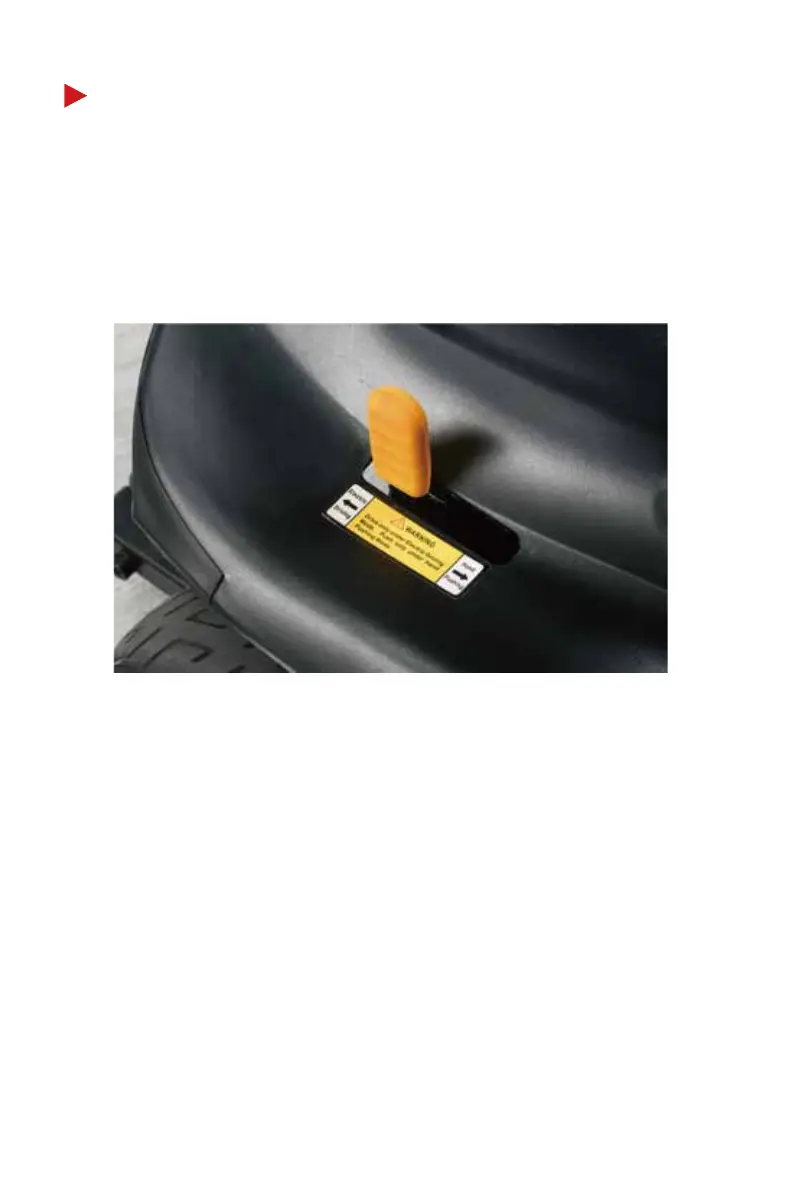
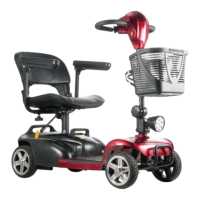
The yellow lever is the manual freewheel lever. Whenever you do
not want to move your scooter by motor, you can push the lever to
the “Freewheel Mode” position. Move the position of the lever to
switch between drive mode and freewheel mode.
MANUAL FREEWHEEL LEVER
Drive Mode:
When the lever is pushed backward to the “Drive Mode” position,
the electronic brake system will engage automatically and the
scooter cannot be pushed. You can turn the key to the “ON”
position to drive the scooter.
Freewheel Mode:
When the lever is pushed forward to the "Freewheel Mode"
position (alarm sounds will warn you when the key is in the “ON”
position), the brake and drive systems will disengage automati-
cally and the scooter can be pushed. You can NOT drive the
scooter in this mode.


 To Next Page