8
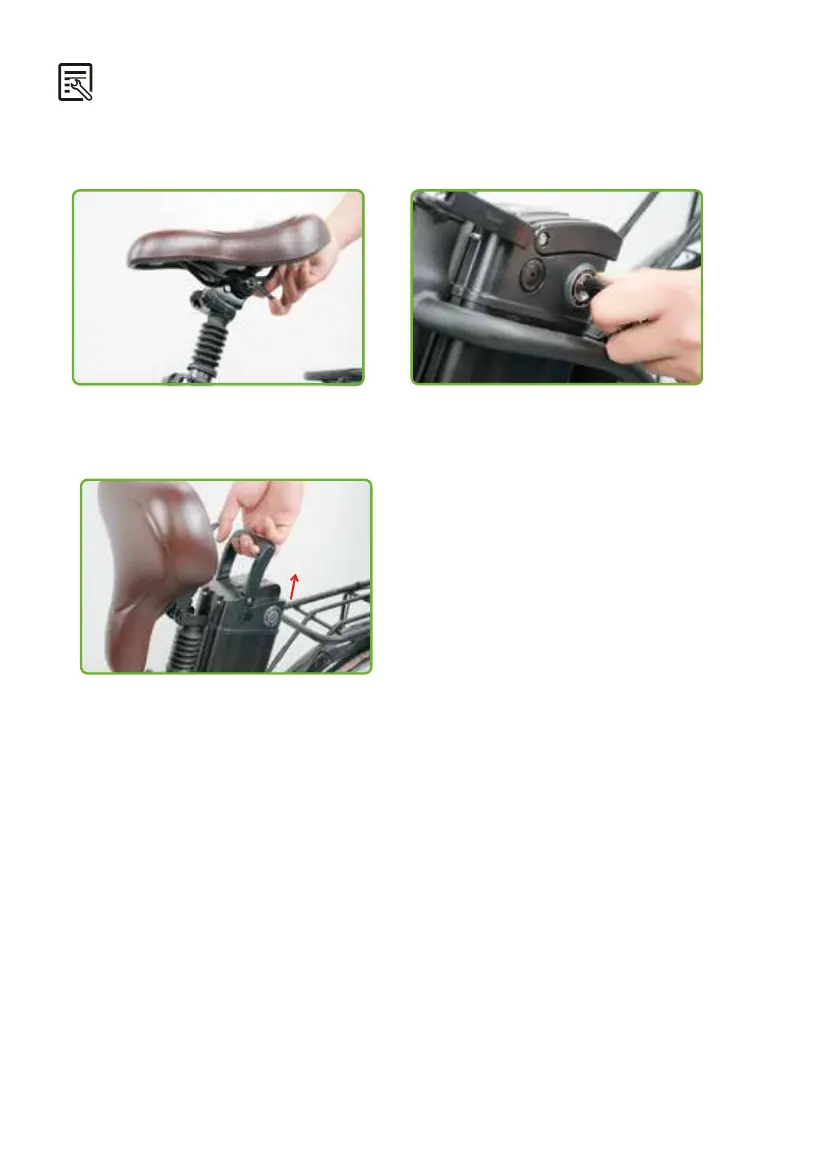
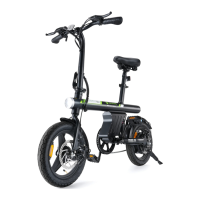
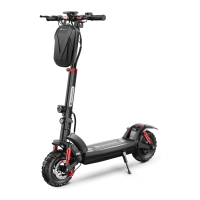
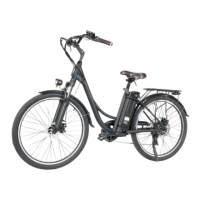
For your convenience, the battery of U2 is designed to be removable.
● Pull out the battery carefully and lift it from
the bike frame.
● Push and spin the key to the unlocked
position.
● Find the flip lever and flip up the seat.
3.9 Remove and install the battery
To re-install the battery, align the slots on the bottom of the battery and reinsert the
battery into the frame. Turn the key to the locked position. If you want to know the battery
level without turning on the computer, press the button on the top of the battery to display
the current battery level.


 To Next Page