User’s Manual WM3M4 &WM3M4C
3.3.1 LCD Error display
Errors are displayed on row 2 and have priority over other messages.
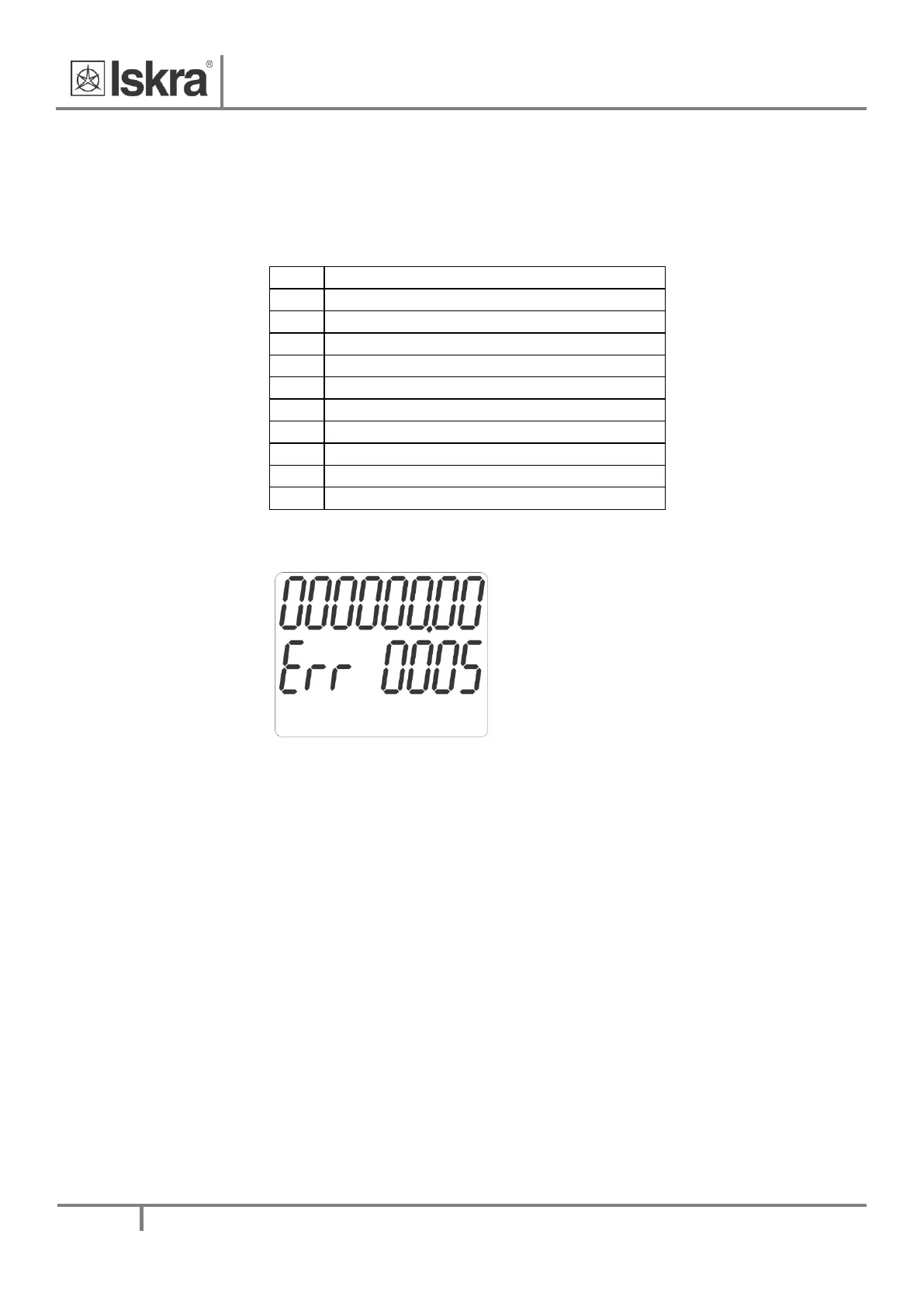
Error format is: Err 1234.
Number represents hexadecimal value of 16 bits error state.
Error phase module 1 CheckSum
Error phase module 2 CheckSum
Error phase module 3 CheckSum
Error Measurement module CheckSum
Error phase module 1 cal. data CheckSum
Error phase module 2 cal. data CheckSum
Error phase module 3 cal. data CheckSum
Error Crypto data CheckSum
Error Crypto chip failure
Table 7: Error bits
Example:
Figure 8: Error display
Err 0005 (binary representation: 0000 0000 0000 0101)
BIT0 and BIT2 are set, so we have Parameter CRC Error and MID-lock Error.
In case the meter is in Error state the start of charging process with digital signiture is blocked and the
meter needs to be replaced.
3.3.2 List of available characters on LCD
0,O,1,I,l,2,3,4,5,S,6,G,7,8,9,A,B,b,C,D,d,E,F,H,L,J,N,P,R,U,V,c,h,i,r,n,o,v,u,t,-


 To Next Page