5-15
INSPECTION AND MAINTENANCE
Mounting bolt tightening torque
8M bolt 23.5 N·m (2.4 kgf·m/17 lb·ft)
10M bolt 48.0 N·m (4.9 kgf·m/35 lb·ft)
4. After the adjustment, run the engine at the
idling speed for approx. 5 minutes, and then
stop the engine to recheck the belt tension.
Replacing the Generator Drive Belt
1. Loosen the lock nut and mounting bolt of
the generator, and remove the belt from the
pulleys.
2. Insert the new belt through the opening
in the fan guide and install the belt while
aligning it with the grooves of the generator
pulley and crankshaft pulley.
3. Turn the adjusting bolt until the belt tension
falls within the standard value range.
4. After the adjustment, firmly tighten the
loosened lock nut and mounting bolt to the
specified torque.
Adjusting the Generator Drive Belt
→ Refer to Page 5-14
Inspecting the Generator Drive Belt
→ Refer to Page 5-14
CAUTION
When the generator is fixed, the belt tension slightly changes, so check the
belt tension again after the generator is fixed.
If the lock nut and mounting bolt that are fixing the generator are not tightened
securely, they may be loosened by the vibrations generated during engine
operation, which may cause damage to the parts or an accident.
•
•
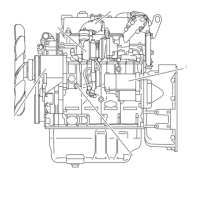
Adjusting bolt
Lock nut
Mounting bolt
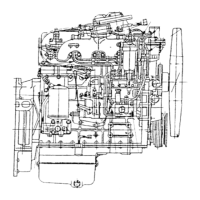
Adjusting bolt
Lock nut
Mounting bolt
IDE-6450A4500781ALL.indd5-15IDE-6450A4500781ALL.indd5-15 2014/04/1814:20:012014/04/1814:20:01



 To Next Page