How to play the video
24
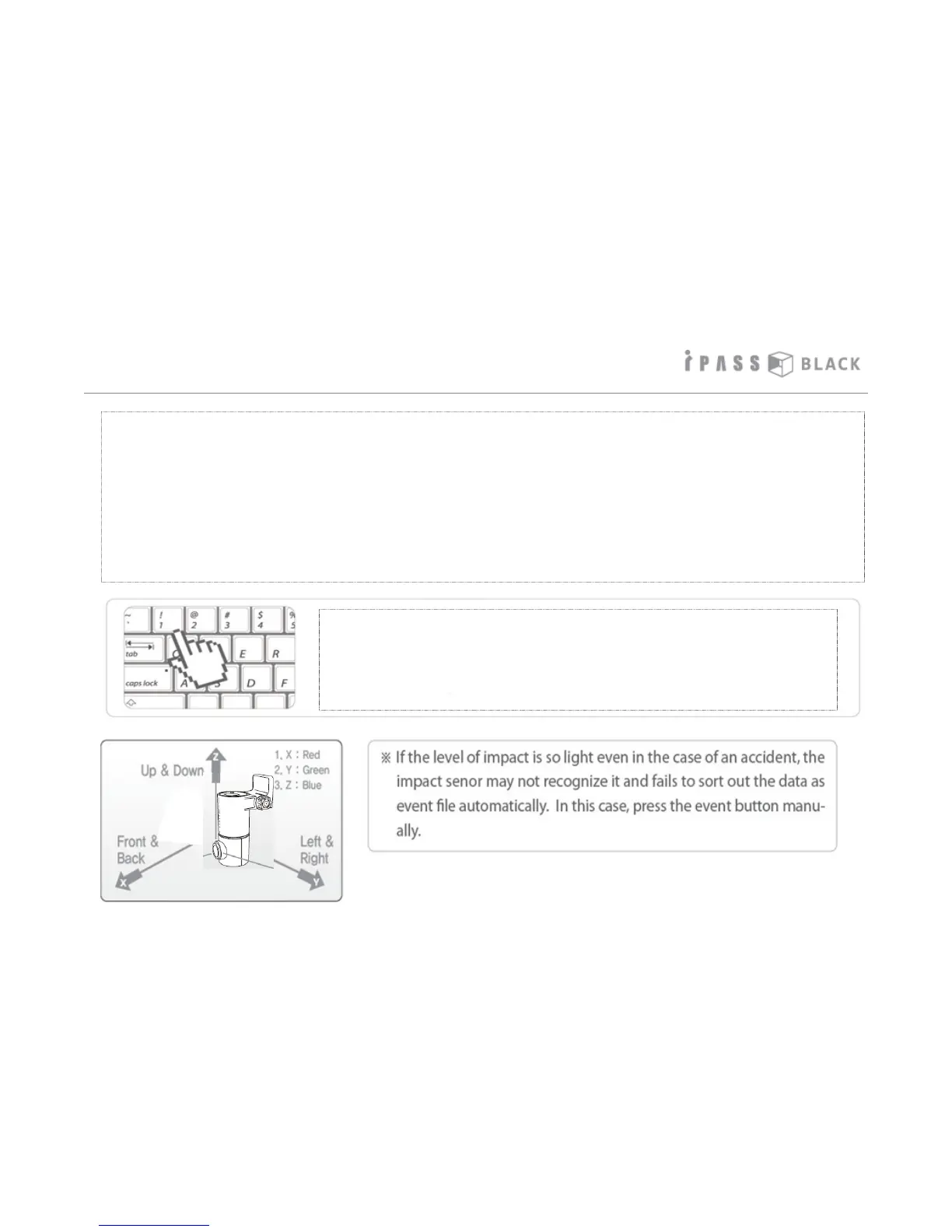
• You can move, select, play, or delete the recorded files by using your PC Keyboard in the File List Window of
the PC Player. Please refer below for more details.
(1) “Shift” Key + File Selection: Select the continuous group of files of the list.
(2) “Ctrl” Key + File Selection: Select the multiple individual files of the list.
(3) “Up” or “Down” Arrow Key: Move in the file list
(4) “Left” or “Right” Arrow Key: Fast Rewind or Forward by 10 seconds interval of the played file.
(5) “Page Up” or “Page Down” Key: Play the file before or after the currently playing file
(6) “Enter” Key: Play the selected file or resume the played file from the very beginning
(7) “Delete” Key: Delete the selected file
• You can play the selected view what you want to see between the
simultaneously recorded front and review view video.
Numeric “1” Key: Play the front view only
Numeric “2” Key: Play the both front and rear view
Numeric “3” key: Play the rear view only



 To Next Page