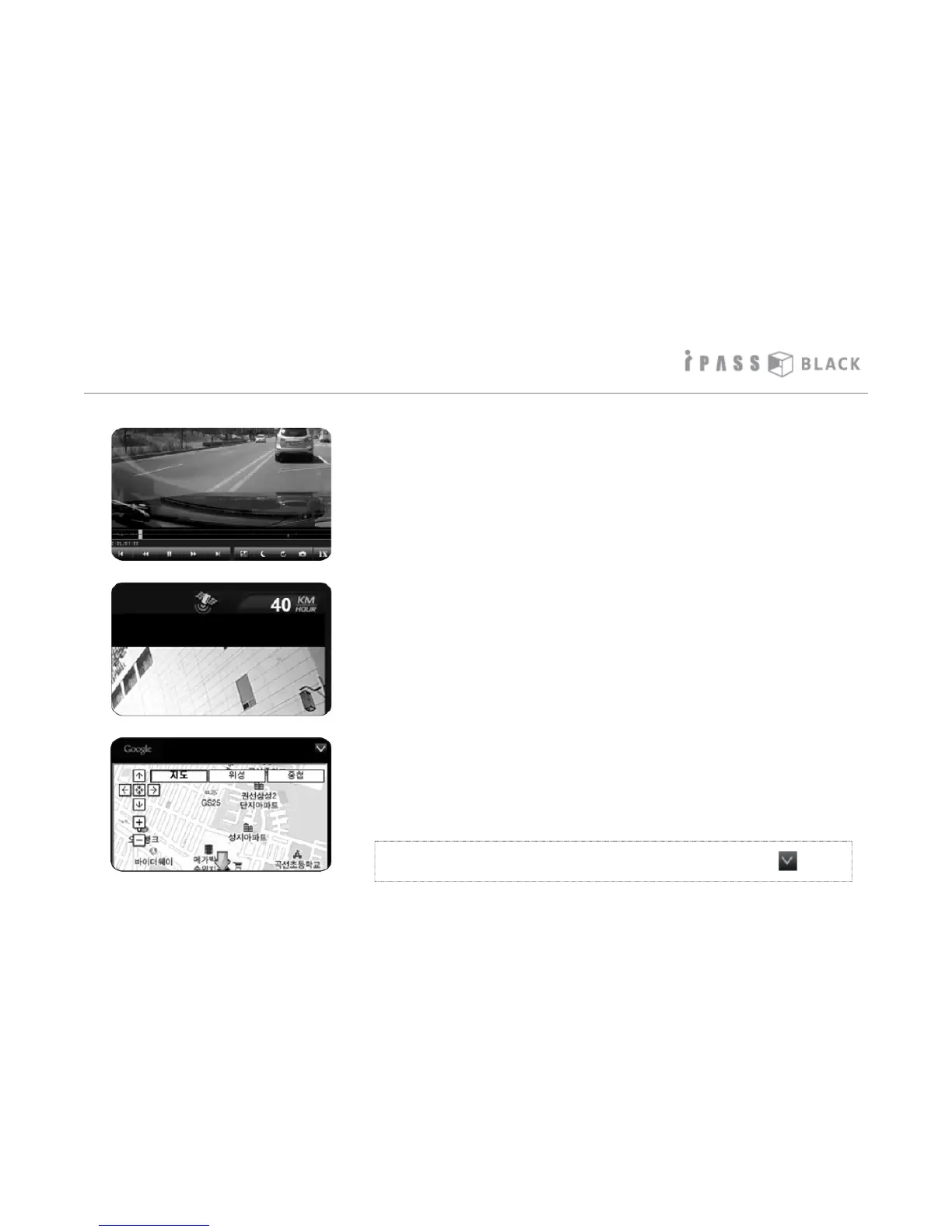
How to play the Video
7. The graph shown under the playback screen means the
degree of X axis ( front and back), Y axis (left and right),
and Z axis ( up and down) impacts when an event occurs.
8. The driving speed and GPS status displays on the top of
the playback screen if the external GPS receiver is
connected. The speed can also be hardcoded onto the
footage if selected in the settings menu.
9. If the external GPS is connected (optional), the device
records the driving coordinates and matches it with
Google maps. Please note that the PC must be connected
to the internet in order to use the Google PC map service.
Please note: Antivirus software or firewalls can prevent the
Google maps from displaying, please check these if the
Google map feature does not work.
* PC map window can be closed or open pressing the icon.
23



 To Next Page