How to manage the recorded files-PC Player
33
1. Exclusive PC Player
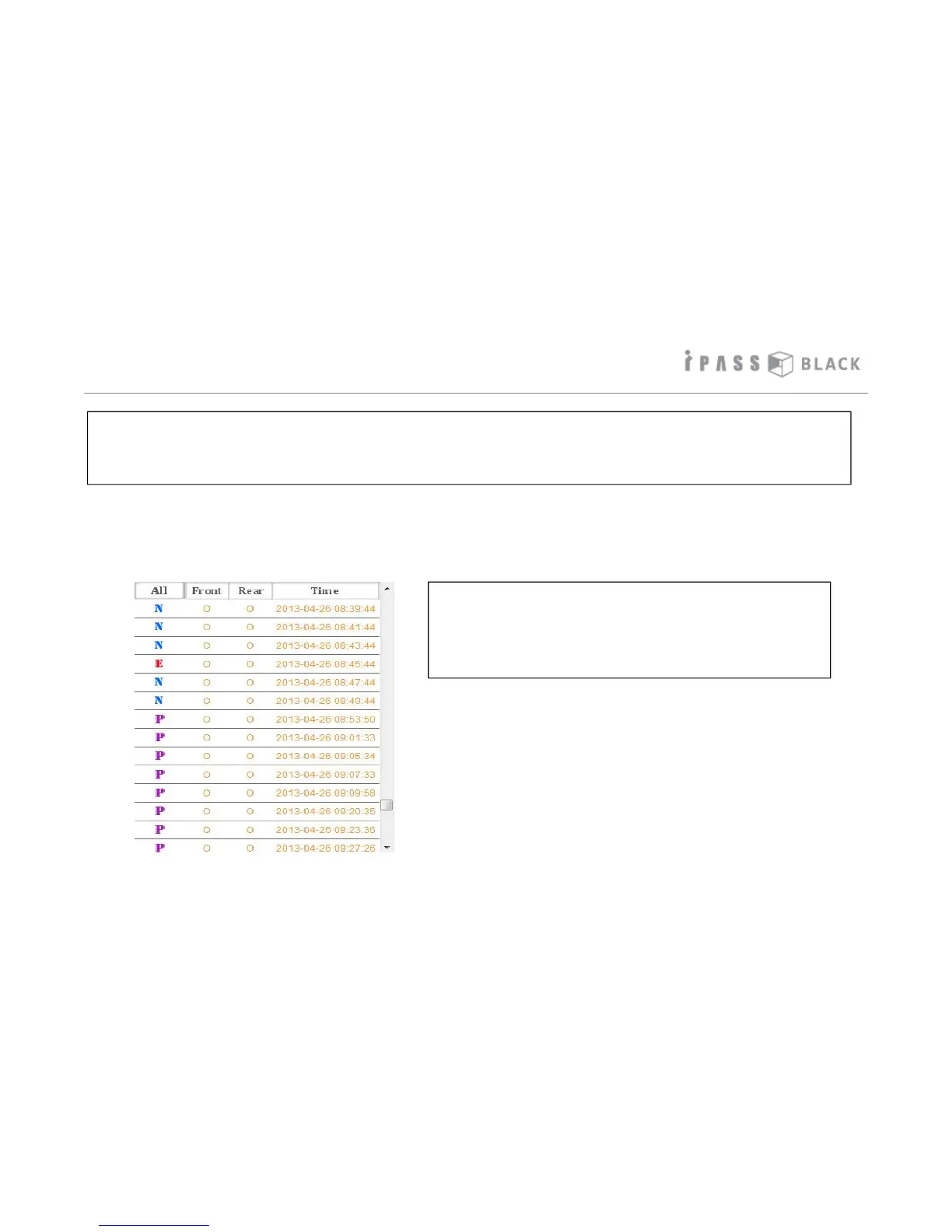
The recording files are displayed from oldest at the top to most recent recordings at the bottom on the PC Player File List Window
as shown below. The corresponding icons per recording circumstances identifies the files.
* Recording File Type per Circumstances
N: Normal Recording Image File while Driving
E: Event Recording Image File while Driving
P: Event Recording Image File by motion while Parking
P: Event Recording image File by impact while Parking
This product saves the image based on always-recording type except parking mode. However, as per the circumstances at the
time of image recording, it classifies by normal recording while driving/event recording while driving or while parking and saves
to memory allocation as per user setting values. Recorded files are aligned by time order in Exclusive PC Player and the
corresponding icons in front of file name help you to identify the file easily.



 To Next Page