How to manage the recorded files-PC USB Disc
34
1. PC Removable Disk
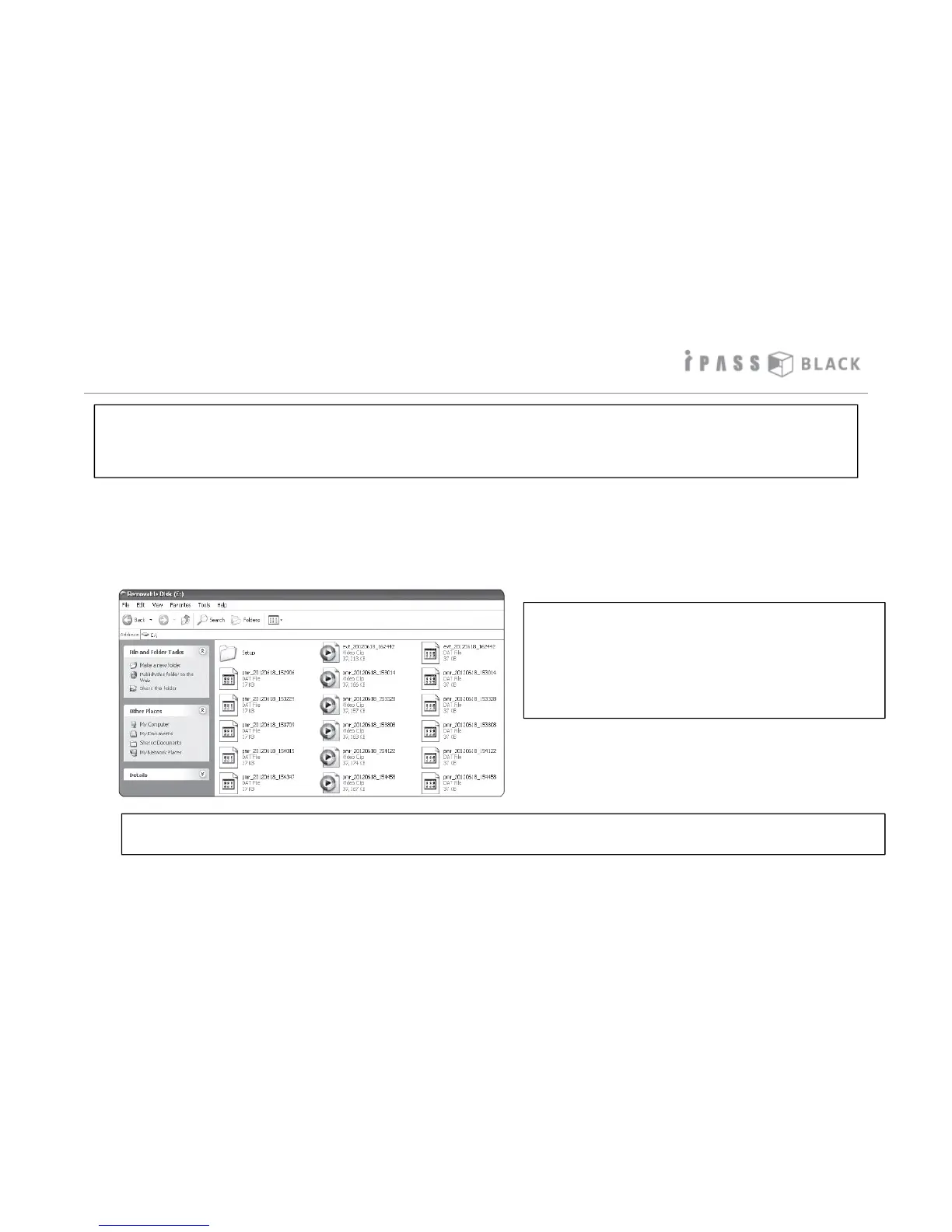
In case you need to see or access the recorded data files on the SD memory card without using the ITB PC Player, you can
identify each file type as they are saved with a specific file name depending on the type of recorded data. Please refer to
the table below on the right hand side for your reference.
* Recording File Type per Circumstances
Normal Recording File(Front) : rec0_date_time.avi
Normal Recording File(Rear) : rec1_date_time.avi
Event File while Driving(Front): evt0_date-time.avi
Event File while Driving(Rear): evt1_date-time.avi
Event File while Parking(Front) : pmr0_date_time.avi
Event File while Parking(Rear) : pmr1_date_time.avi
This product saves the image based on always-recording type except parking mode. However, as per the circumstances at the
time of image recording, it classifies by normal recording while driving/event recording while driving or while parking and saves
to memory allocation as per user setting values. Recorded files are saved as specific file type per recording circumstances as
below.
If additional ‘_’ appears on the end of the file name (eg: rec0_20121231_120430_.avi), it means time management error of the
the unit. in this case, please correct the time at setting menu on the PC Player.



 To Next Page