How to update the product firmware
35
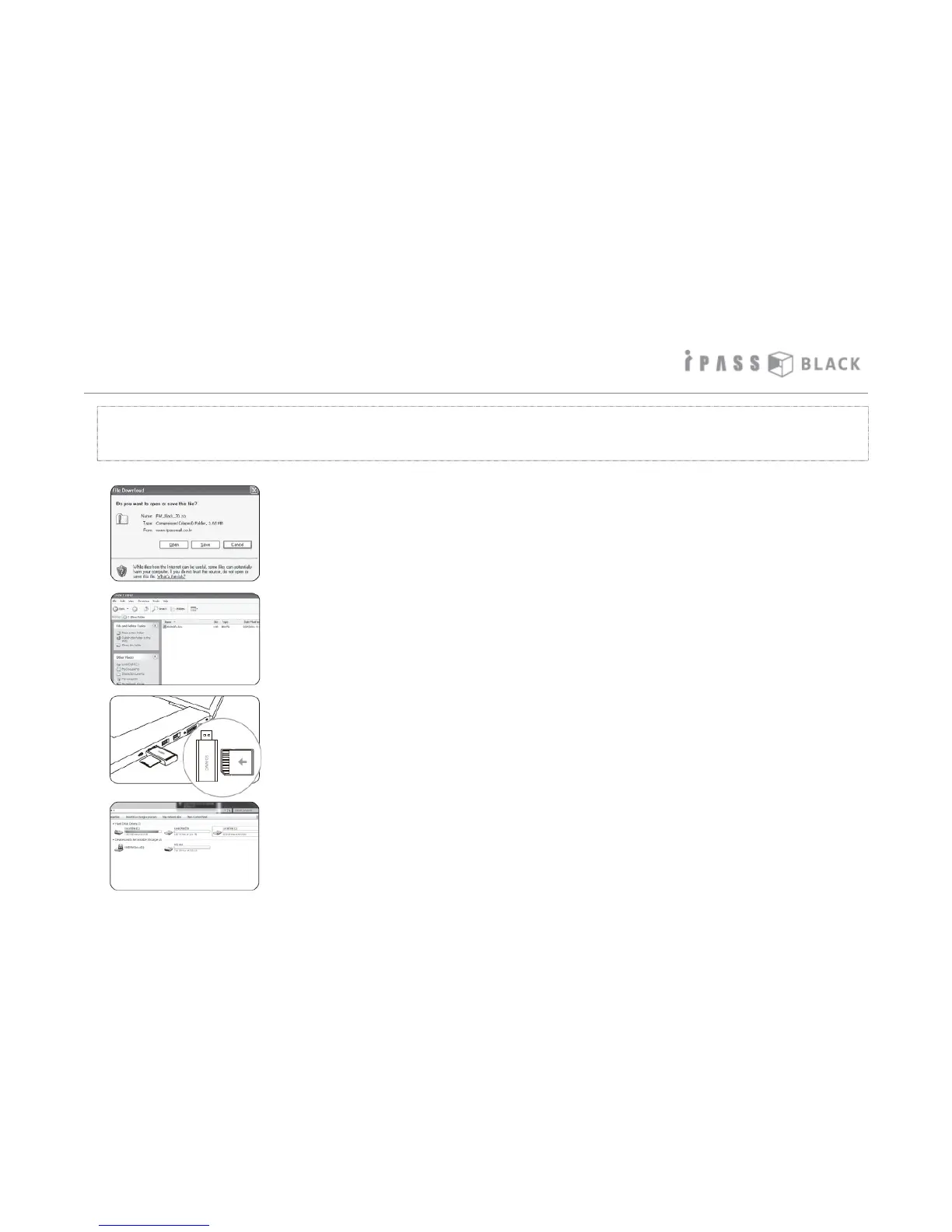
1. Download the new firmware from the web site of your local
authorized product supplier.
2. Unzip the file if it ends in .zip - You can find the firmware file named
“itb500hdfw.bin” from unzipped folder.
3. Pull out the SD memory card from the main unit and insert it into
the memory card reader as shown on the left picture. Then put the
memory card reader into the USB port of the PC.
4. The SD memory card will be detected as USB removable disc.
The firmware of the product can be updated easily if any new firmware is released for the
purpose of improvement and/or correction of the product firmware.



 To Next Page