Description and installation
To install the ADRA 1000/2000:
1. Mount the unit on a wall close to the PBX cabinet. Use the drill template to
place the two screws.
2. Connect the RJ-11 connector to the RJ-11 socket on the bottom panel of the
ADRA 1000/2000. Next, connect the other end of the cable to an analog
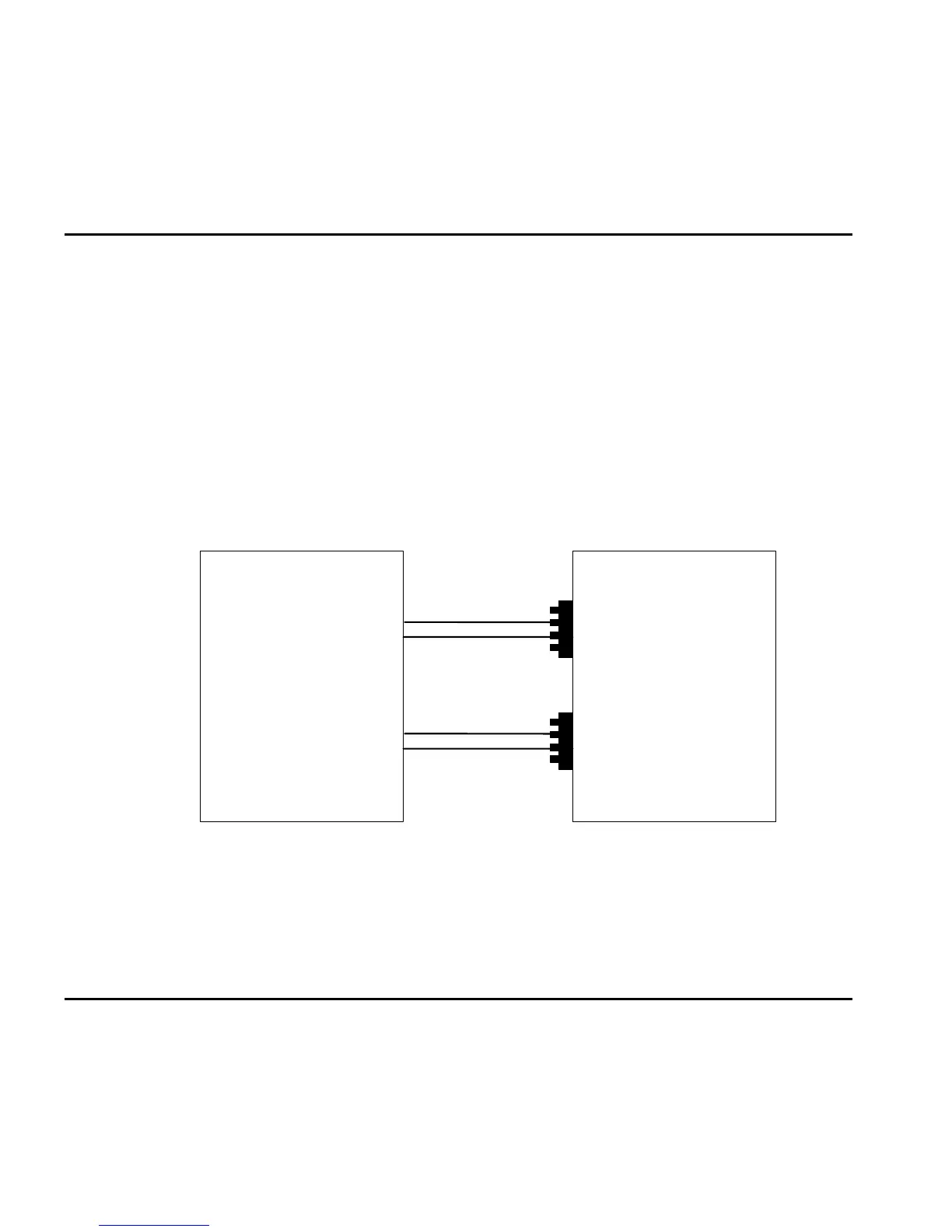
telephone line on the Main Distribution Frame (MDF) of the PBX (see Figure
8-4).
ADRA 1000/2000
Bottom Panel
Main Distribution
Frame of the BPX
Line 1
4-pin
RJ-11 socket
Line 2
4-pin
RJ-11 socket
(ADRA 2000 Only)
Figure 8-4. Analog Line Connections
3. Plug the 9VDC adapter jack into the power supply connector on the bottom
panel of the ADRA 1000/2000.
8-4 ADRA 1000/2000 Installation and Programming Manual



 To Next Page