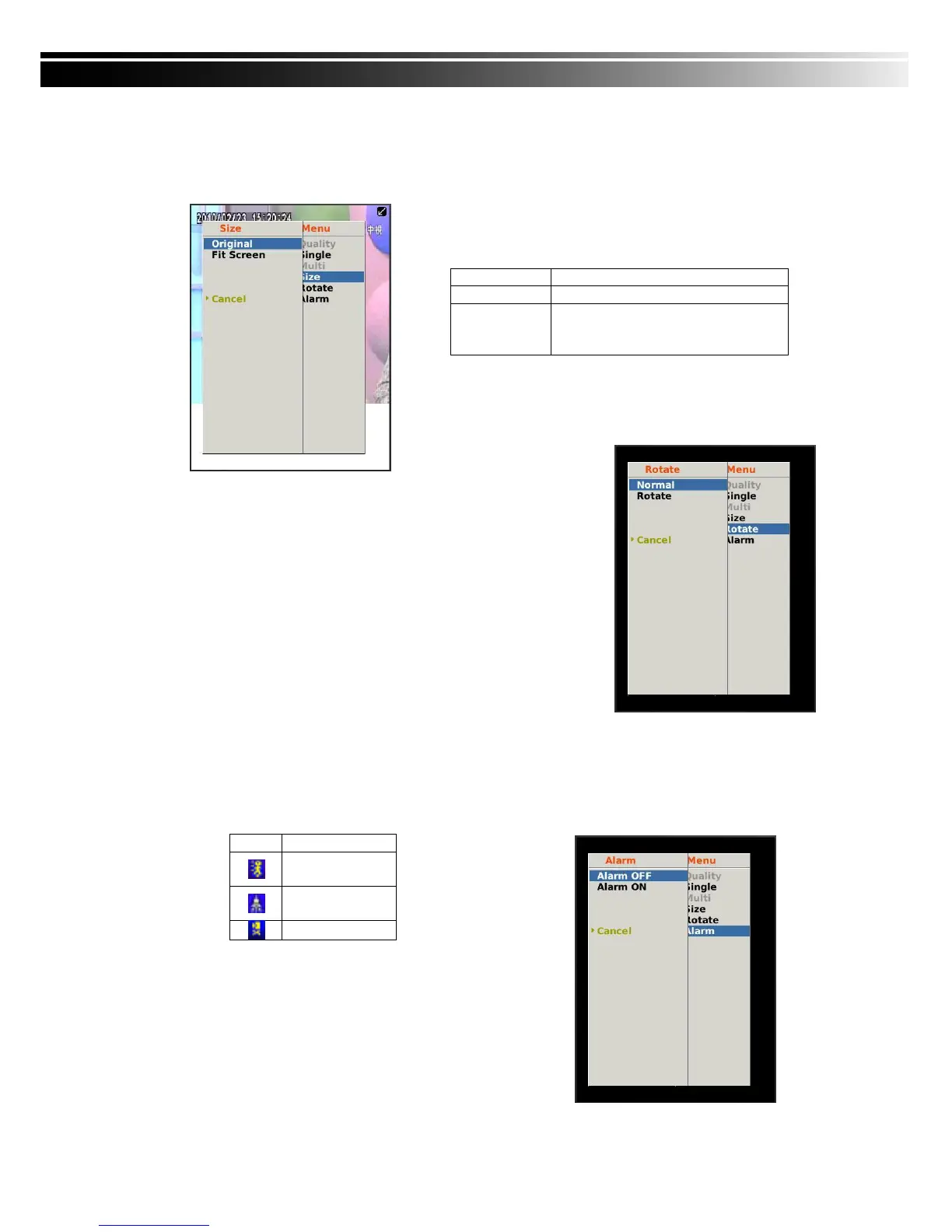
8-4.3.2 Image size
Due to the variety sizes of mobile device screens, this software offers two different methods for
image display. Press “Size” in menu, and then there will be options, “Original” and “Fit Screen”
available to choose from.
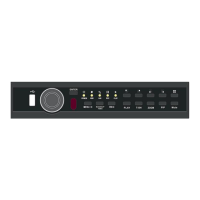
8-4.3.3 Image Rotation
There are two options for live image display. One is to appear as
its original image, or to rotate the image by 90 degrees.
Press “Rotate” in menu and there will be options, “Normal” and
“Rotate” available to choose from.
8-4.3.4 Alarm
Besides DVR live monitoring, alarm feature is also available through this software. If events like,
Motion Detection, Sensor Detection, VLOSS …etc. occur, there will be alarm sound and alarm
images appear on the status.
Press “Alarm” in menu, there will be options,
“Alarm OFF” and “Alarm ON” available to choose from.


 To Next Page