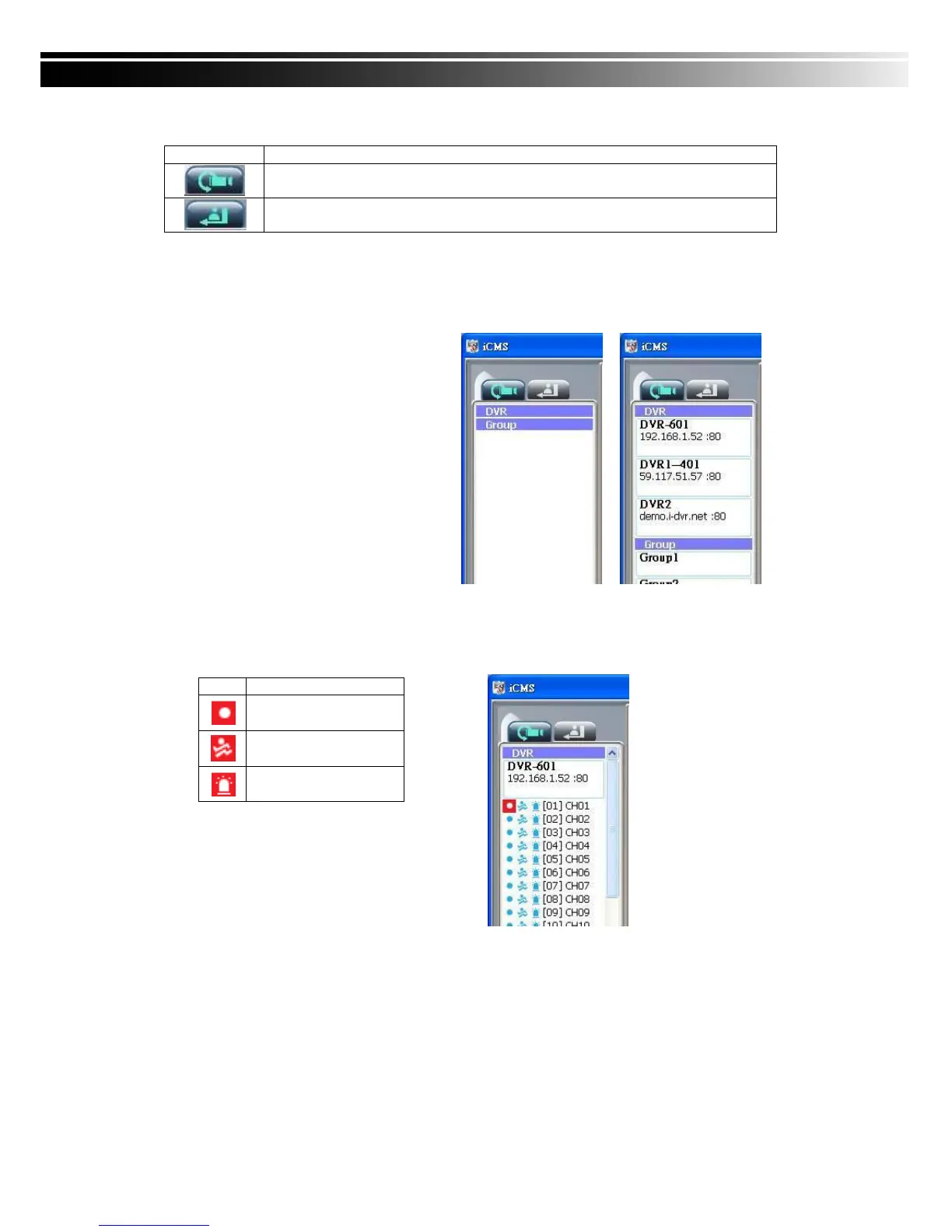
9-3.1 View DVR
/
Group List
Single left click on „DVR’ or „Group’ will
expand/collapse the entire DVRs and
groups list.
On the DVR list, double left click on a
connected DVR will show its image in
main display. See “9-6.2 DVR
Administration” for further information.
On the Group list, double left click on a
group will show live image from the
channels of the group in the main
display. See “9-6.3 for Group
Administration” for further information.
Left-clicking on a connected DVR will expand/collapse status of its all channels as below:


 To Next Page