Using Swami on the Course
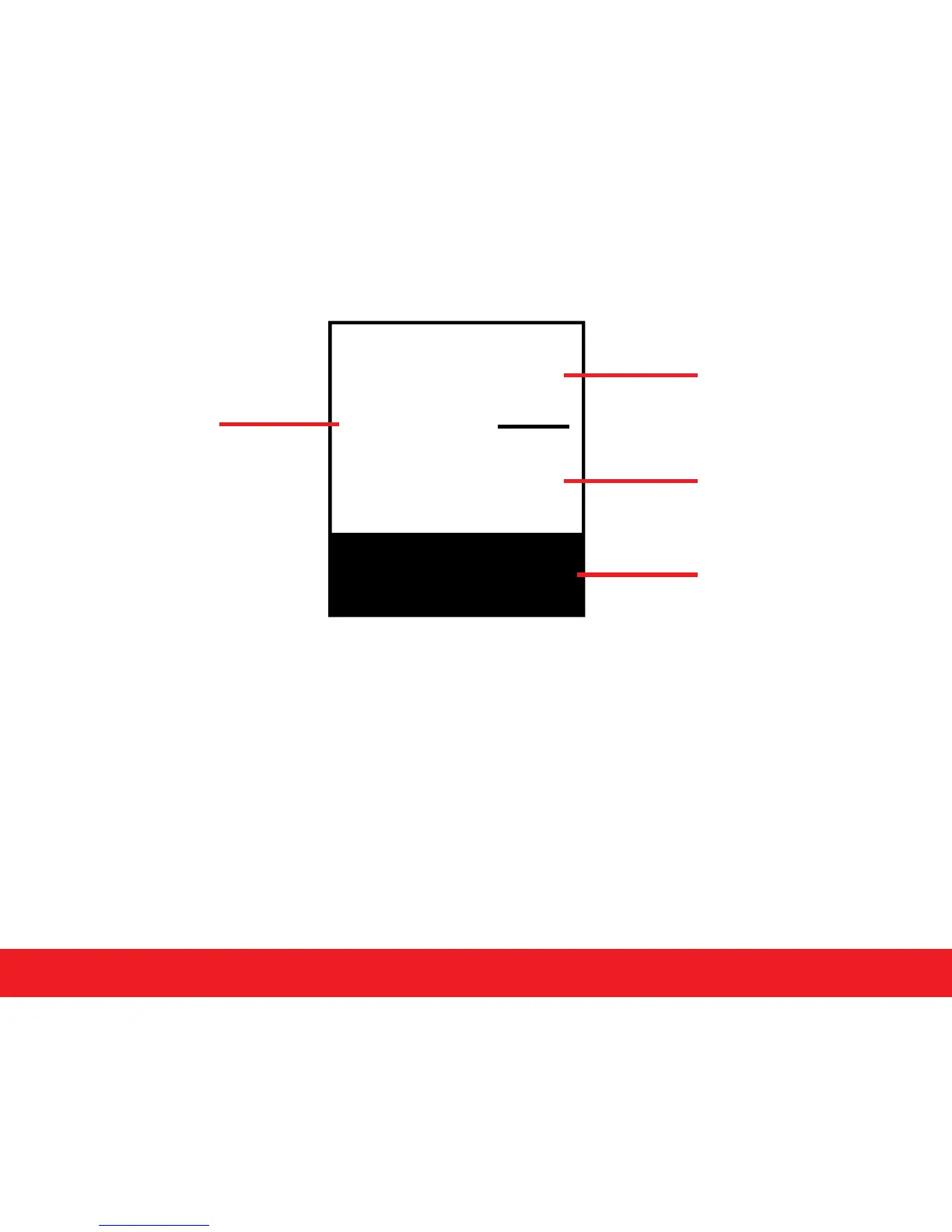
S 3
P 4
#2
Total:
3/7 2
8
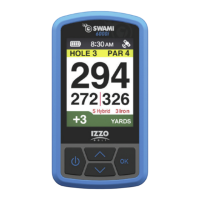
1. From Shot Distance screen, press
[
OK/Menu
]
key to switch to Scorecard screen.
2. Use
[
Up
]
or
[
Down
]
key to see scorecard for each hole.
3. To change the default par press and hold
[
Down
]
key to access Edit mode. Use
[
Up
]
or
[
Down
]
key to change the par then press
[
OK/Menu
]
key.
4. Use
[
Up
]
or
[
Down
]
key to enter user score and press
[
OK/Menu
]
key.
5. To enter user score use
[
Up
]
or
[
Down
]
key to enter score and press
[
OK/Menu
]
key
6. To exit Edit mode, press and hold
[
Up
]
Key.
7. Score for the round will then update at the bottom of the screen.
8. Press
[
OK/Menu
]
key to return to Play Mode screen.
4.4 Electronic Scorecard
Hole Number
User Score
Par
Total Score for
round/ Total Par
for course



 To Next Page