2. Getting Started
2.1 Power On/Off
1. Press and hold
[
Power/Backlight
]
key for 3
seconds until the power in on.
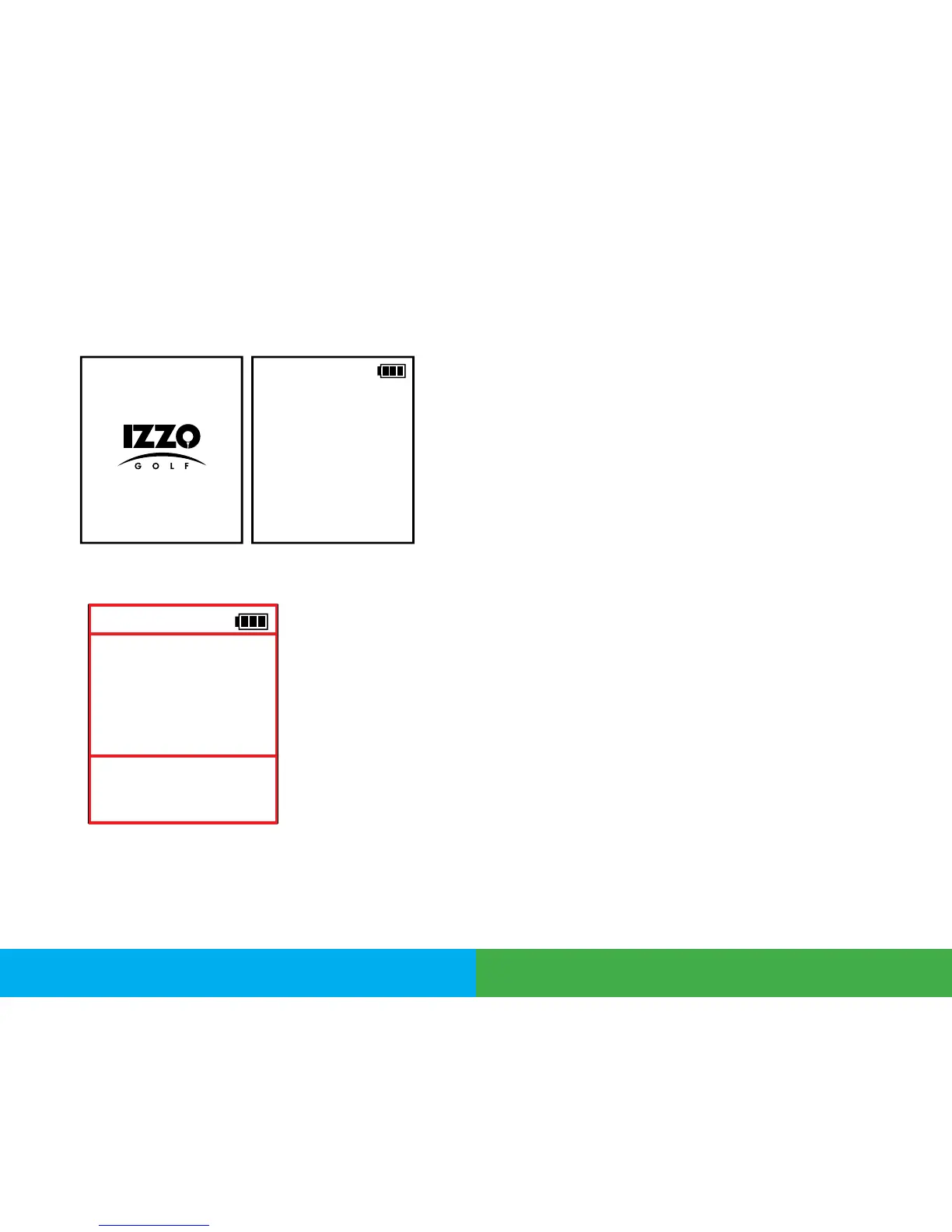
2. The device will show the Start-Up logo rst
and into the Time Mode screen.
3. To turn off the device, press and hold the
[
Power/Backlight
]
key.
3. Time Mode
1. From Time Mode page, press
[
Up
]
key to change 3rd
row to display 2nd Time Zone.
2. Press
[
Up
]
key again to change 3rd row to display
Sunrise time.
3. Press
[
Up
]
key again to change 3rd row to display
Sunset time.
4. Press
[
Up
]
key again to change 3rd row to display
Seconds.
5. Press
[
Up
]
key again to change 3rd row to display
Stopwatch.
6. To start Stopwatch, press
[
OK/Menu
]
key
7. To pause Stopwatch, press
[
OK/Menu
]
key again.
8. To reset the Stopwatch, press and hold
[
Down
]
key.
MON
02:19
PM
Date
17-05-12
4
A. Info Bar
B. 2nd Row - Time/Day
C. 3rd Row - Date
A
B
C
MON
02:19
PM
Date
17-05-12
Getting Started Time Mode



 To Next Page