WORMHOLE SWITCH
USER MANUAL
16
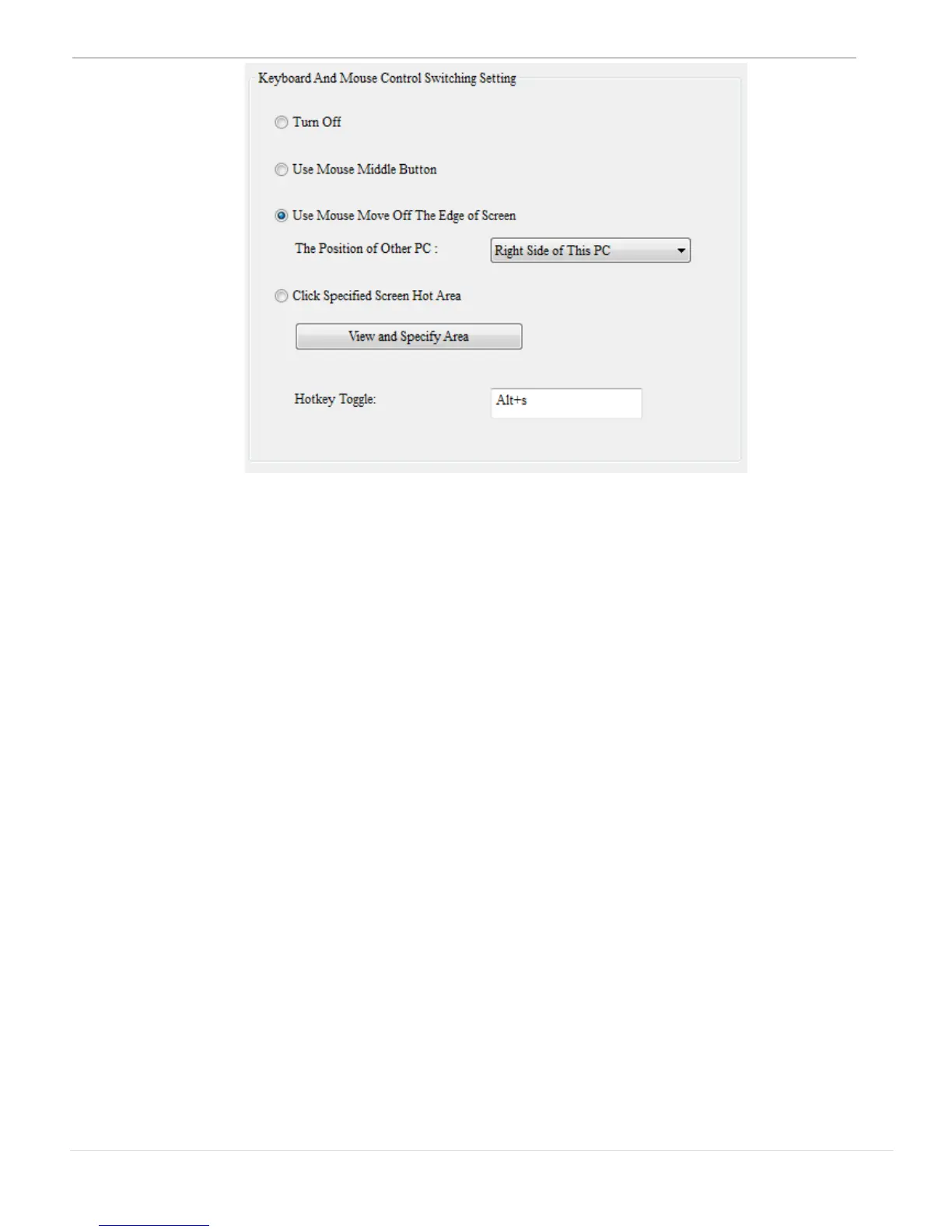
o Turn Off:
Disable keyboard and mouse switch.
o Use Mouse Middle Button:
Click the middle button of the mouse to switch the keyboard
and mouse from one computer to another.
o Use Mouse to Move Off the Edge of Screen:
To switch the control of Keyboard and Mouse from one computer to
another, just moving the mouse off the edge of the screen
*Select the desired position. Click on the pull-down menu to see
more options as shown below.



 To Next Page