USB DISPLAY ADAPTER USER MANUAL
26
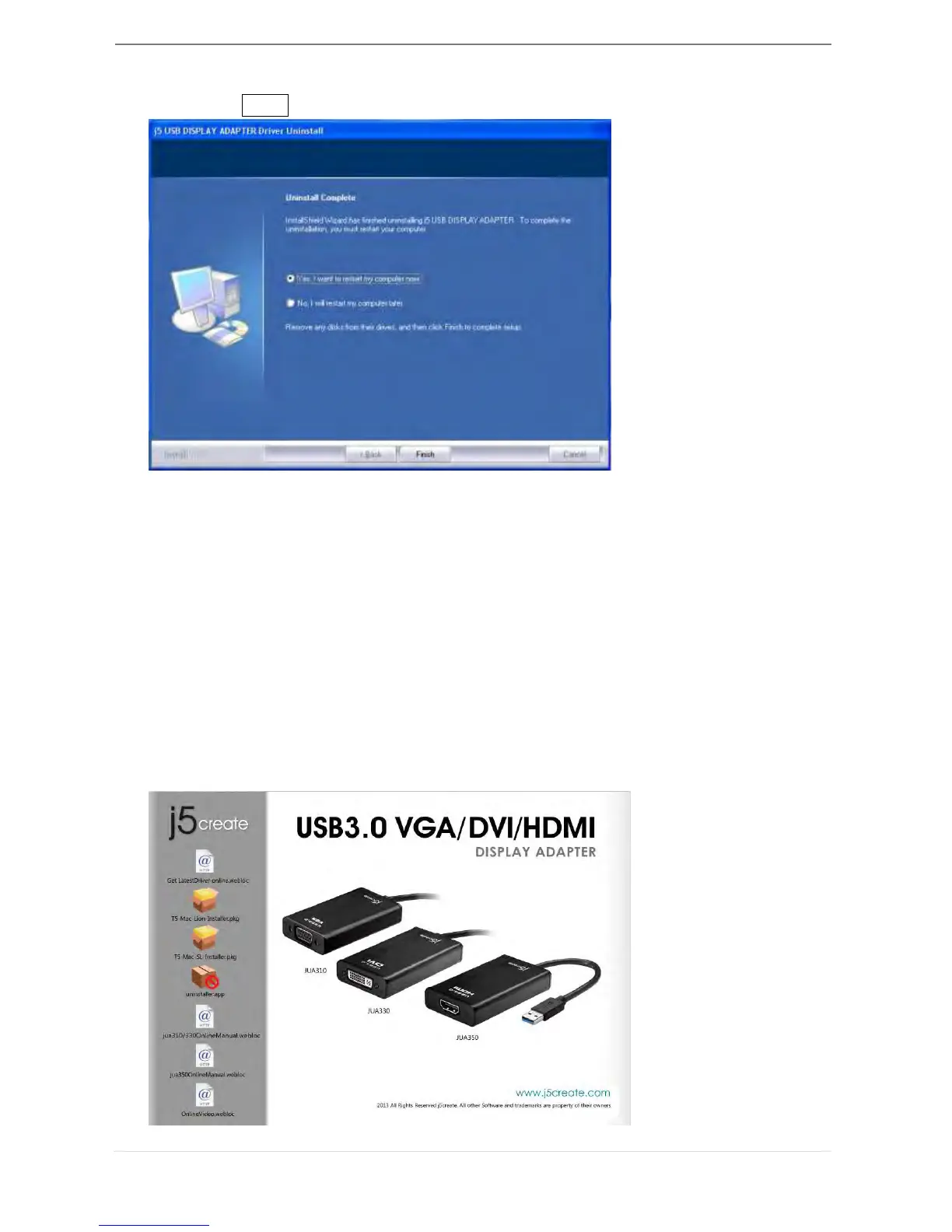
4. When the driver uninstall is completed select “Yes, I want to restart my computer
now.” Click Finish to restart.
INSTALLATION FOR MAC
Device Driver Installation
Installing the device driver enables your computer’s operating system to recognize the
USB 3.0 Display Adapter. Be sure that you are referring to the appropriate installation
procedure before you begin installing.
※ Make sure the USB cable of USB 3.0 Display Adapter is unplugged from your Mac
Desktop or Mac Notebook before executing the setup program.
1. Insert the Driver CD into the CD-ROM drive
2. The installation page will be launched; To begin installation click on start “ Get Last
Driver online” , please make sure the networking is available or Choose the OS
version you are using and press “Install Driver” to start the installation



 To Next Page