USB DISPLAY ADAPTER USER MANUAL
39
※Using Hotkeys
Default setting is Ctrl + Display No.
Click the window you want to move at the task bar to become active, and then
press Hotkey
.
※Setting Hotkeys
For example: Move window to Display03, and automatically enlarge it to full screen.
Choose “Move Active Window to Display03”, check “Move Window and Full
screen”, and click Apply
Display Setting
Fast access to the system “Display Setting”
Fix Position
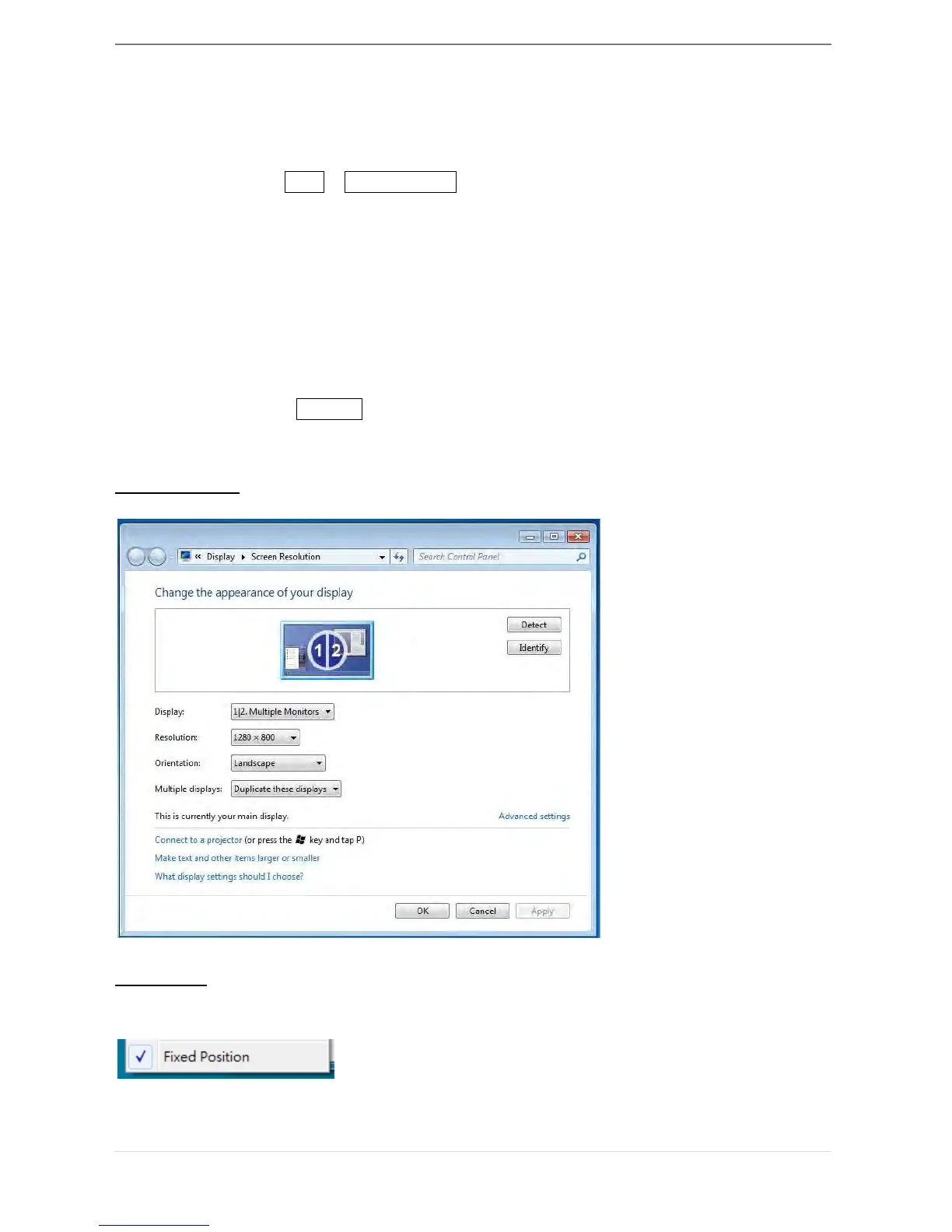
This function helps you arrange the positions of all the display locations you have set in
Display > Screen Resolution. After “Display Location Setting”, make a “Check”
in this function. All display location will be fixed. It is great for
multi-displayer user.



 To Next Page