USB DISPLAY ADAPTER USER MANUAL
46
FUNCTIONS INSTRUTIONS: MAC
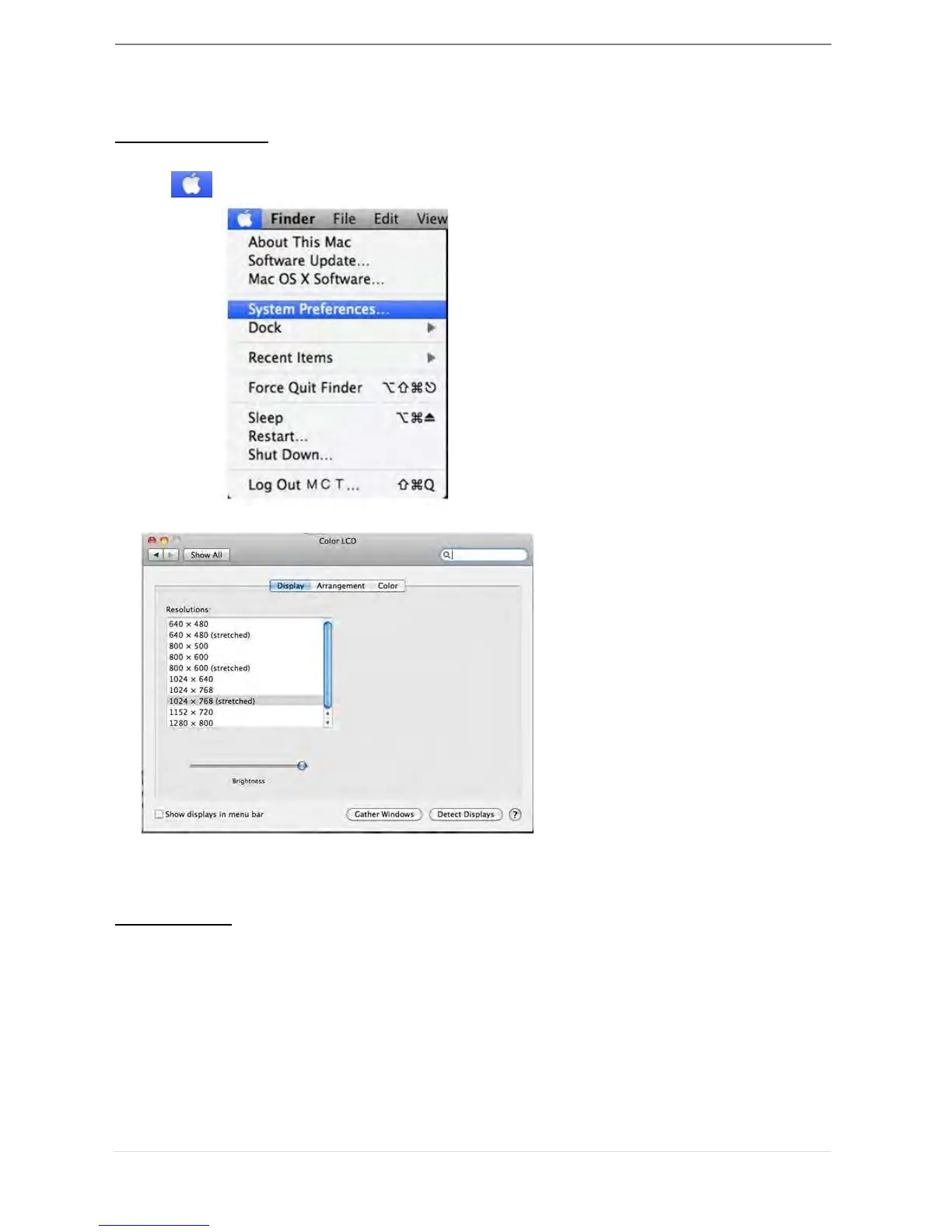
Display Resolution
Go to , and then “System Preferences
From “System Preferences” click on the “Display” tab. You should see this screen.
On this screen, you can adjust the resolution, display mode and color range.
Display Mode
Click on the “Arrangement” tab, and uncheck “mirror display” to un-Mirror the screen.
You will automatically see another window appear on the screen that represents the
USB 3.0 Display Adapter.



 To Next Page