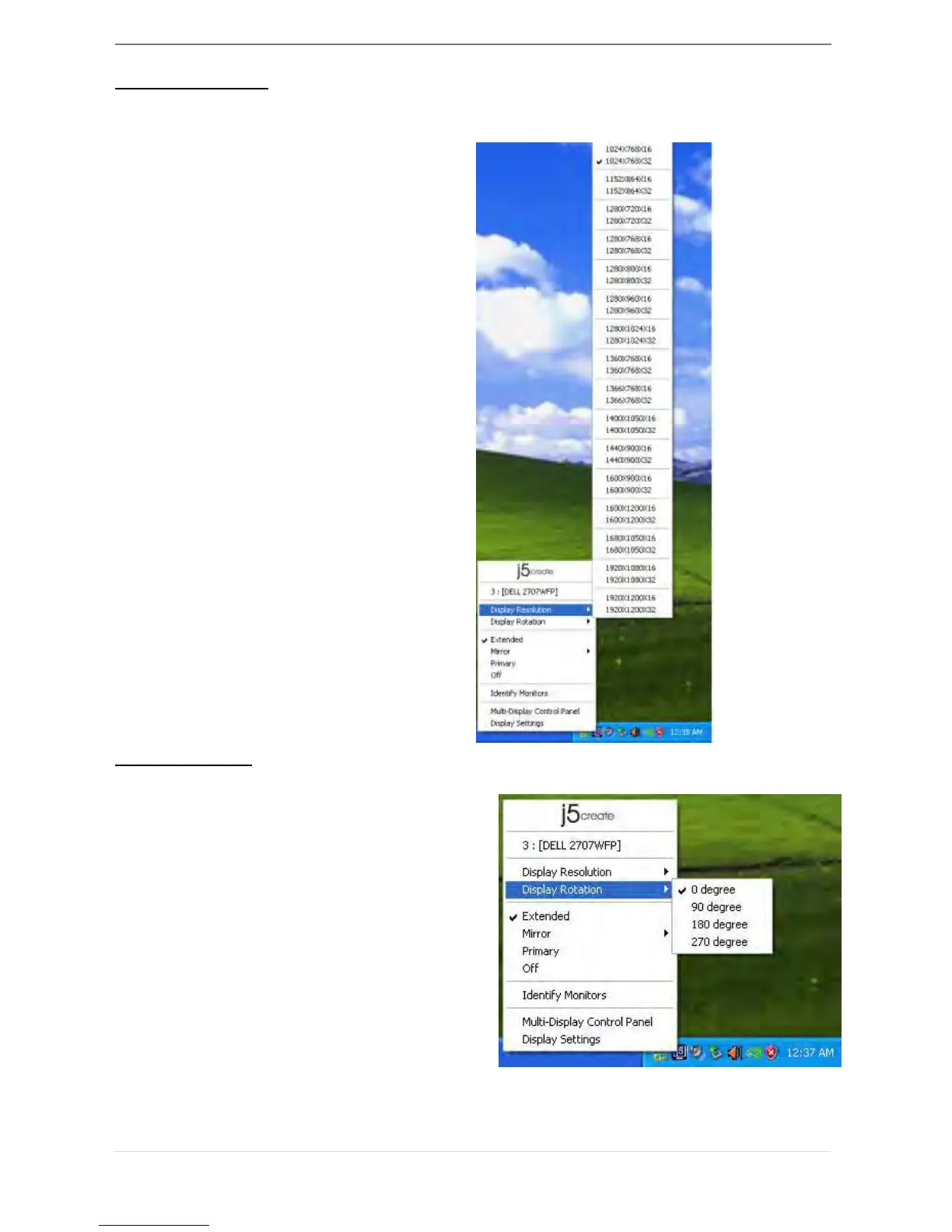
The resolution list will show up when you
move the cursor over Display
Resolution. Select the resolution you
want.
The Display Rotation allows you to turn the
display device, which is connected to USB
3.0 Display Adapter. It is a useful function
for some rotatable display device.
There are 4 options
available:
0 degree/ 90 degrees/180 degrees/ 270
degrees under the Extended or Primary
display mode.



 To Next Page