USB DISPLAY ADAPTER USER MANUAL
35
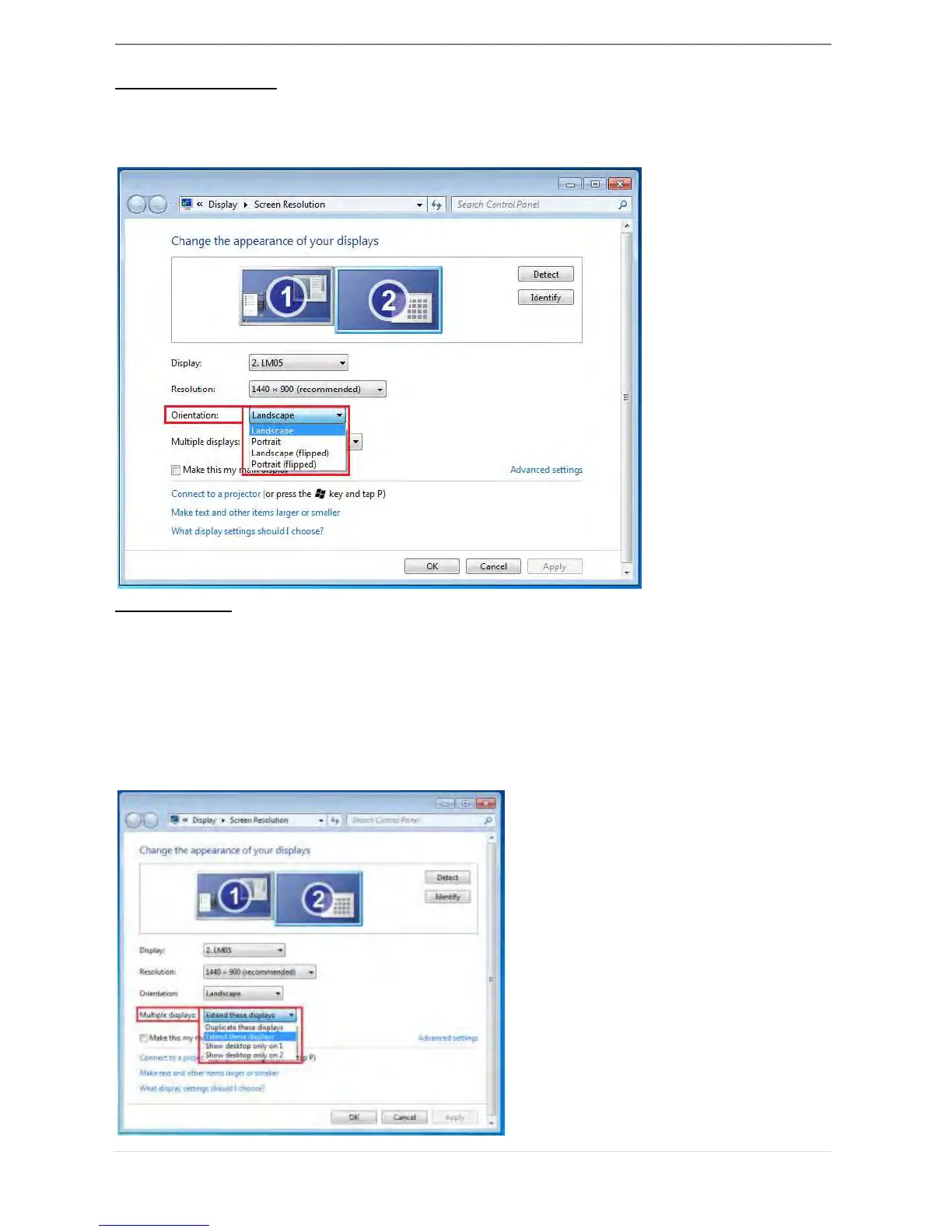
Display Orientation
The Orientation allows you to turn the display device, which is connected to USB 3.0
Display Adapter
Display Mode
Extended mode (Default)
This feature allows the display device attached to the USB 3.0 Display Adapter to work
as an “extended” display of the on-board screen.
You can adjust the position by clicking “number” of the display first and select “Extend
these displays” and click “Apply”



 To Next Page