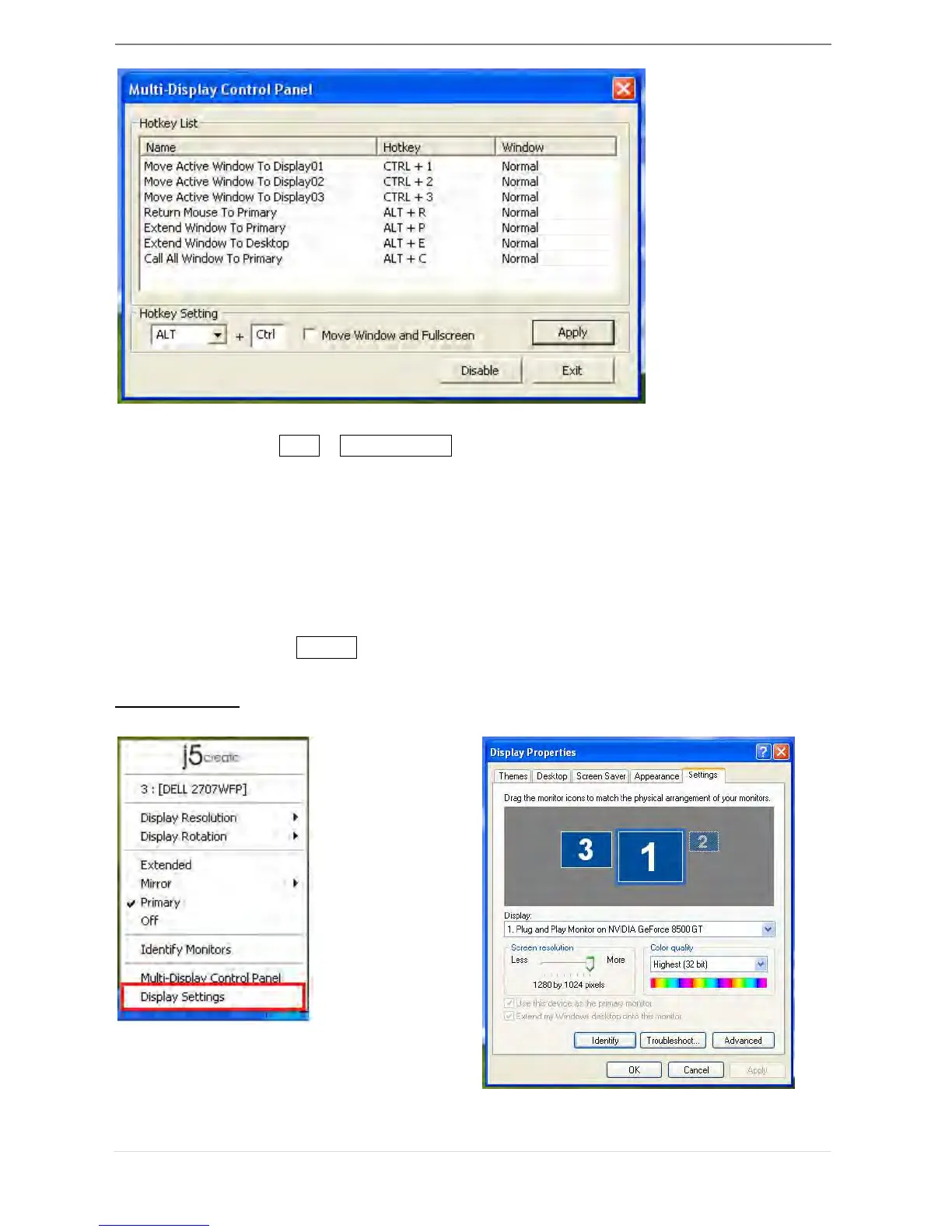
※ Using Hotkey
Default setting is Ctrl + Display No.
Click the window you want to move on task bar to become active, and then
press Hotkey.
※ Setting Hotkey
For example: Move window to Display03, and automatically enlarge it to full
screen.
Choose “Move Active Window to Display03”, check “Move Window and Full
screen”, and click Apply to make it active.



 To Next Page