USB DISPLAY ADAPTER USER MANUAL
44
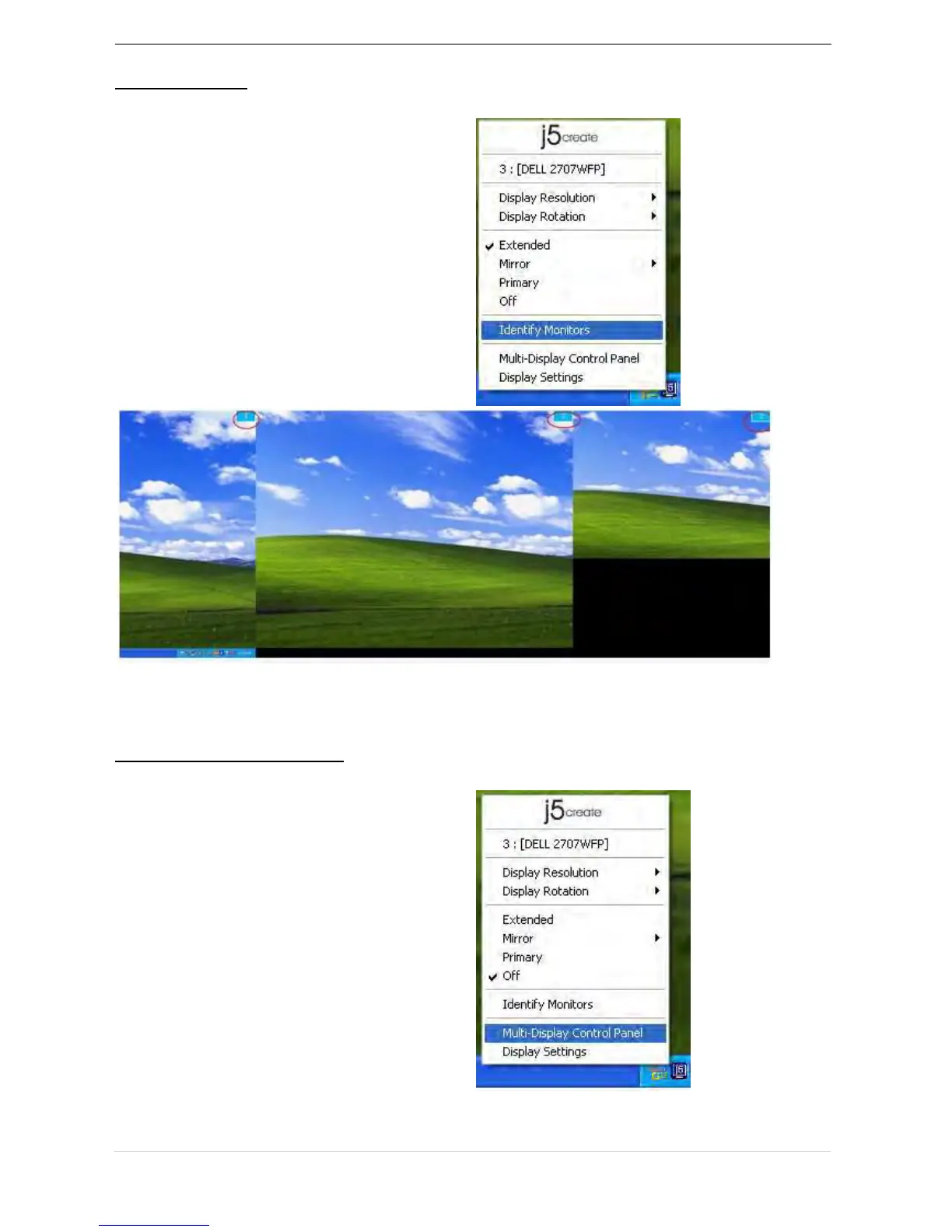
Identify Monitor
When Identify Monitors is selected, a
serial number will be shown at the
upper right corner of attached display
device.
You can use the Hotkey function to find
out the serial number of each display.
Multi-Display Control Panel
When Multi-Display Control Panel is
selected, the Multi-Display Control Panel
window will pop-up to enable the
modification of the Hotkeys.



 To Next Page