English
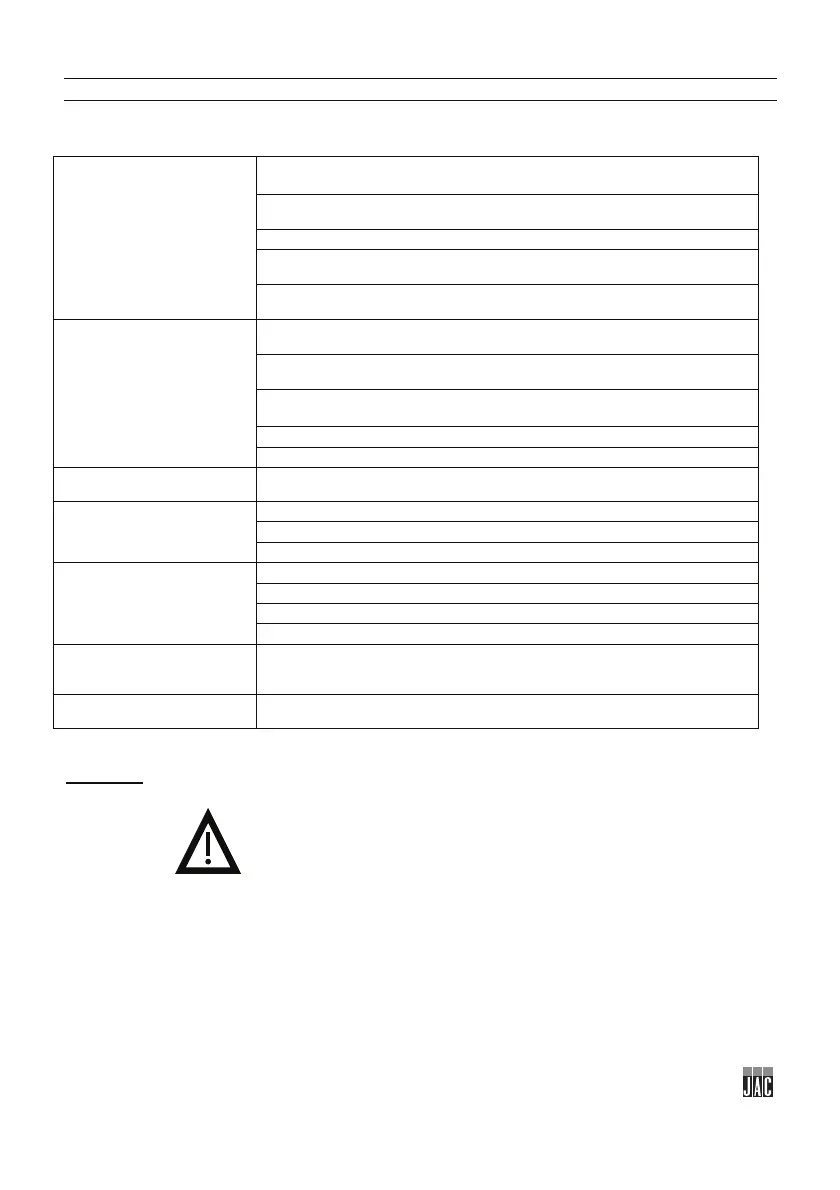
10 MALFUNCTIONS
WARNING: The machine must be isolated from the power supply before attempting any work on it.
Should the problem persist, please contact your technician.
The machine is not running
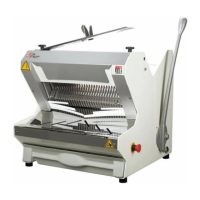
Connect the machine using the cable (fig.2, n°15).
Unlock the emergency stop (fig.1, n°10).
Contact your approved agent if the green indicator light is flashing.
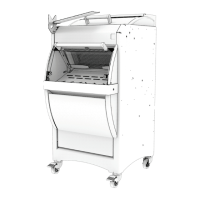
Close the front door.
The machine is running, but
the loaves are damaged or
cut unevenly
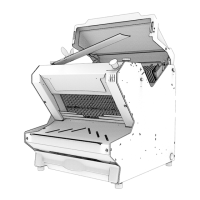
Check whether the blades need replacing (fig.12).
Leave the bread to cool down for a few hours.
Feed in a loaf of the specified size.
Feed in a loaf that is sufficiently firm.
If the blades are misaligned, adjust the blades and frames.
The bread vibrates between
the blades
If the blades are misaligned, adjust the blades and frames.
The bread is cut too slowly
Check whether the blades need replacing (fig.12).
Choose another pressure setting on your pressure selector (ISC).
Check that the loaf holder springs are in place correctly (fig.14, n°28).
The bread tears
If the blades are misaligned, adjust the blades and frames.
Check that the loaf holder springs are in place correctly (fig.14, n°28).
Check whether the blades need replacing (fig.12).
Contact your approved agent if the green indicator light is flashing.
slowly or remains between
Check that the loaf holder springs are in place correctly (fig.14, n°28).
The bread is squashed
coming out of the blades
Remove a loaf holder spring and repeat your test (fig.14, n°28).


 To Next Page