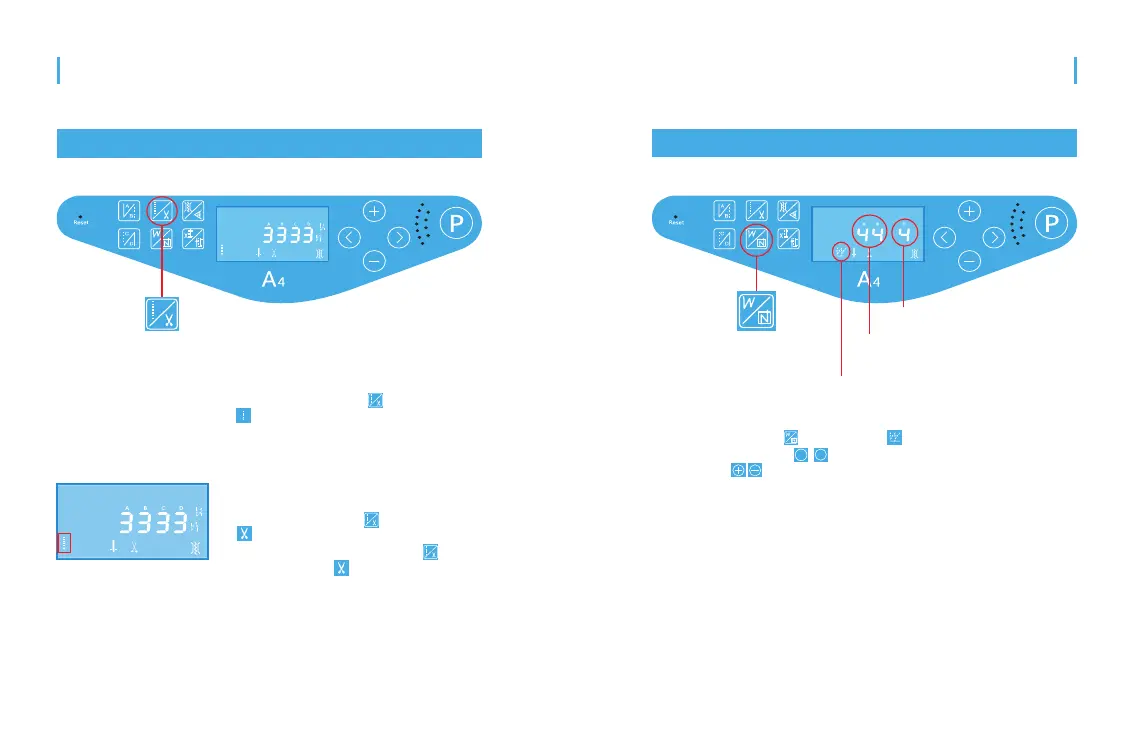
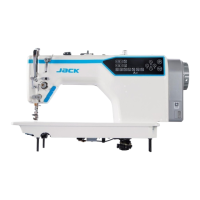
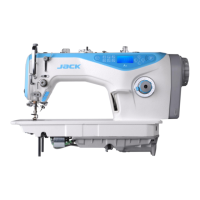
Press the button longer, the icon
display up, means the thread
trimming is on. Press the button longer
again, the icon not display, means
the thread trimming is off.
Press the button , and the icon
display, means it’s free sewing
mode at present.
18
19
LED screen area
Free sewing and thread trimming setting
Free sewing and thread trimming switch
Free sewing:
Trimming switch:
W sewing settings
W sewing /several
segment sewing button
W sewing /several
segment sewing
A/B refers to the stitch numbers
of initial and final sewing
D refers to sewing times
Press the button ,and the icon display, means it’s W sewing
mode. Press the button to the corresponding number flicking, then
we can use to adjust. The maximum adjustable stitches of initial
and final sewing is 15. The maximum adjustable sewing times is 15.
>
>
W sewing:
Manual Book of A4
Product Introduction



 To Next Page