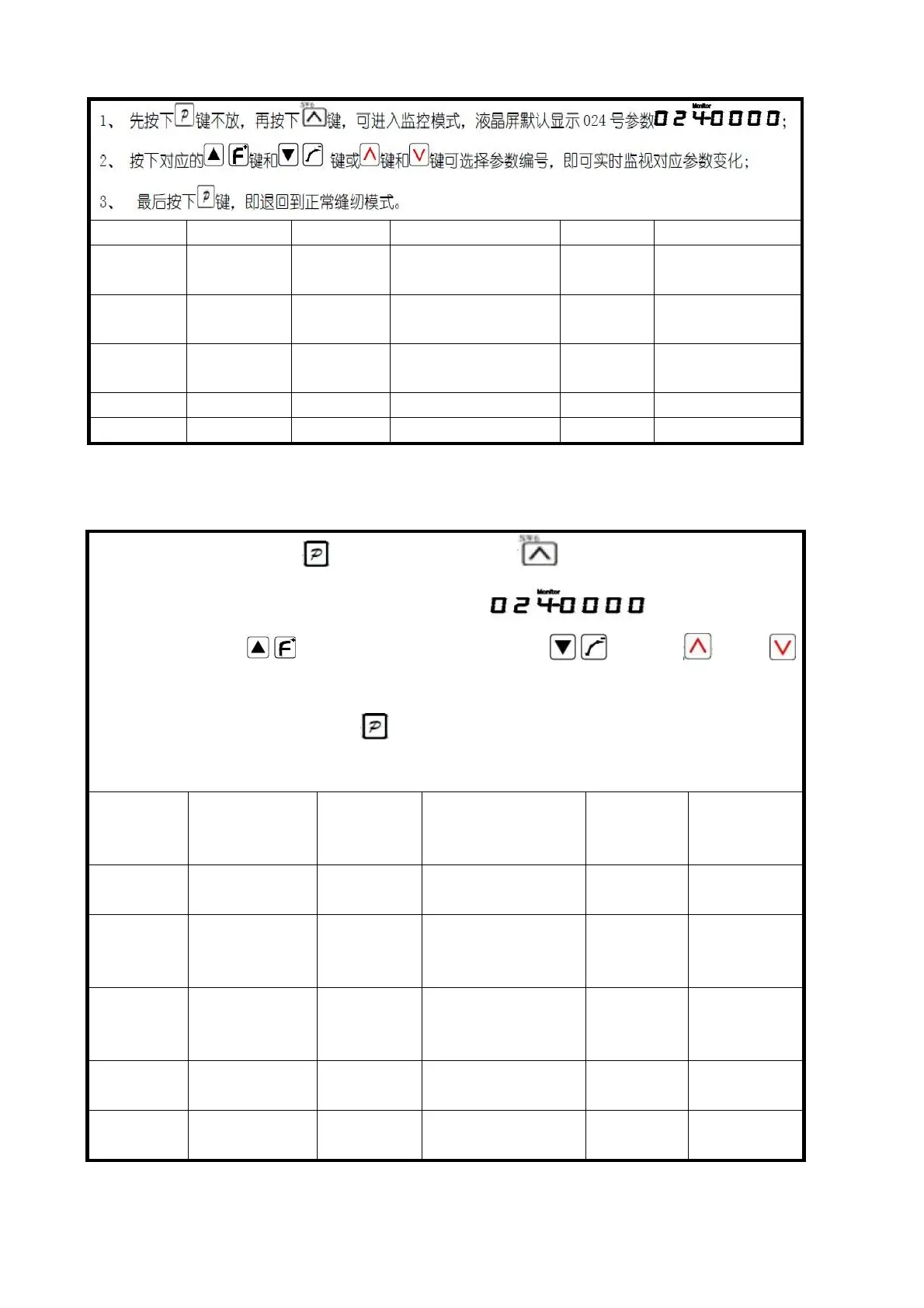
1.First press the keys , then press the key , can enter the monitor
model, parameters, 024 LCD screen display by default;
2.Press the key and the corresponding numbe or key or key
and key can select parameters, can real-time monitoring the corresponding
parameters;
3.Finally press the P button , that is, save and exit parameters setting
mode and return to normal sewing patterns.



 To Next Page