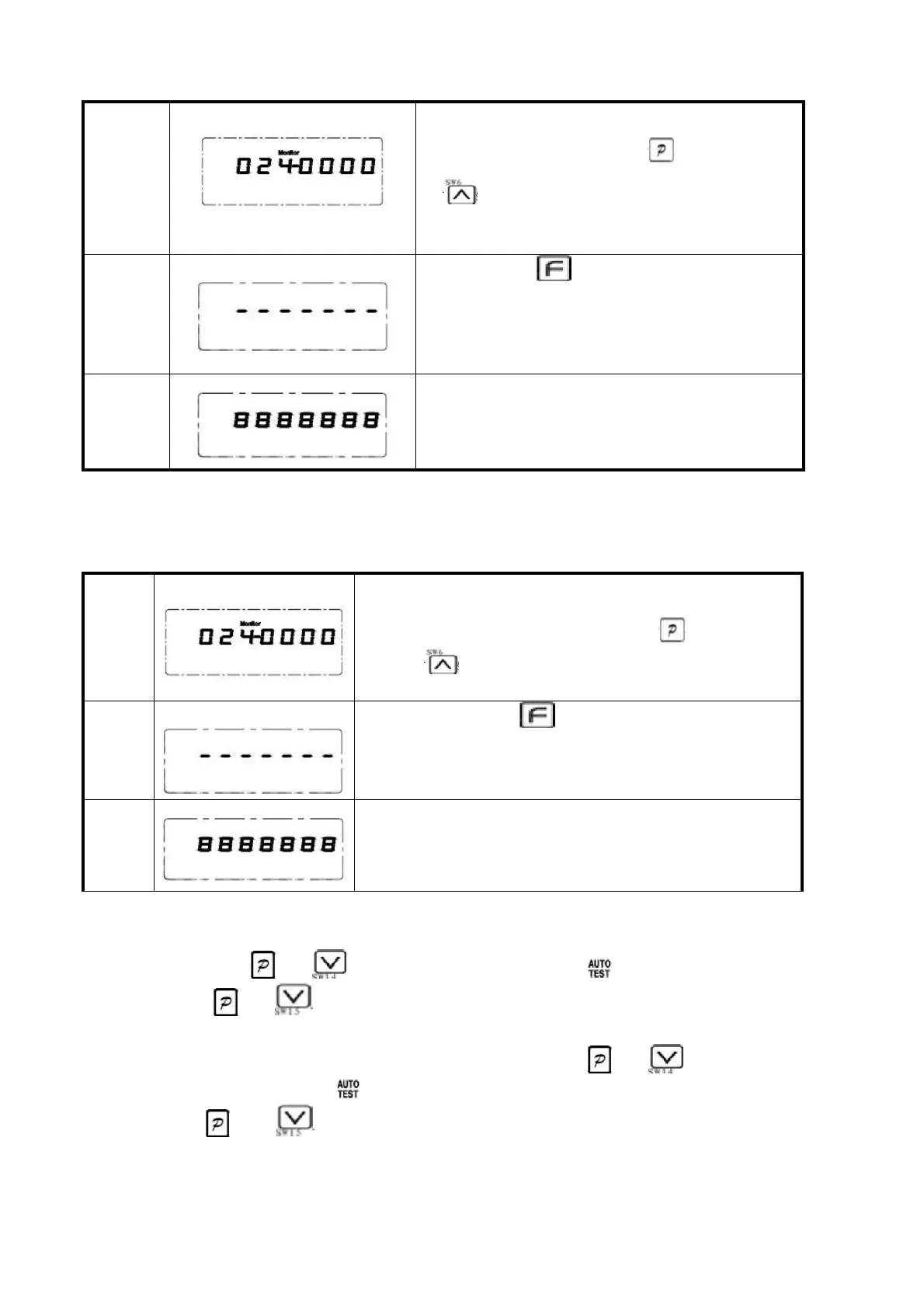
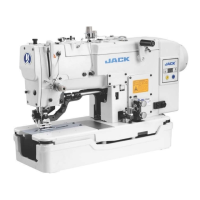
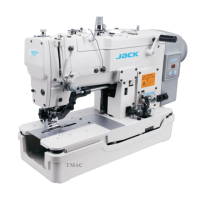
4.2 一键恢复机头厂家参数值
如果希望恢复机头厂家的出厂参数,可按照
如下步骤:第一步:先按下 键不放,再按
下 键,即进入监控模式,默认为024 号监
控参数。
第二步:长按 键3 秒钟以上,开始一键恢
复机头厂家参数,液晶屏显示横杠,表明正
在恢复参数,此时控制器切勿断电或拔出操
作面板插头。
4.2 A key to restore the nose manufacturer parameter values
If you want to restore the nose manufacturer factory
parameters, can according to the following steps:
first step: first press the button , then press
the key , namely into monitor mode, the default
value is no. 024 monitoring parameters.
Step 2: long press more than 3 seconds, start a
recovery head manufacturer parameters, LCD shows
rung, that recovering parameters, the controller do
not power or pull out plug operation panel.
For eight digital tube display, which indicates that
the nose manufacturer parameters to complete
recovery
4.3 自动测试
自动测试:同时按 键和 号键两次后,LCD 显示闪烁的 ,点踩踏板即可实现自
动测试;同时按 键和 号键,退出自动测试。
4.3 Automatic test: at the same time according to the and keys after
twice, LCD display flashing , points pedal can realize automatic test;
According to and keys at the same time, out of automatic test.



 To Next Page