54
m When buttonhole sewing is finished, push the
buttonhole lever up as far as it will go.
Adjusting the buttonhole stitch density
Turn the stitch length dial within the range of “ ”
to adjust the buttonhole stitch density.
q Stitch length dial
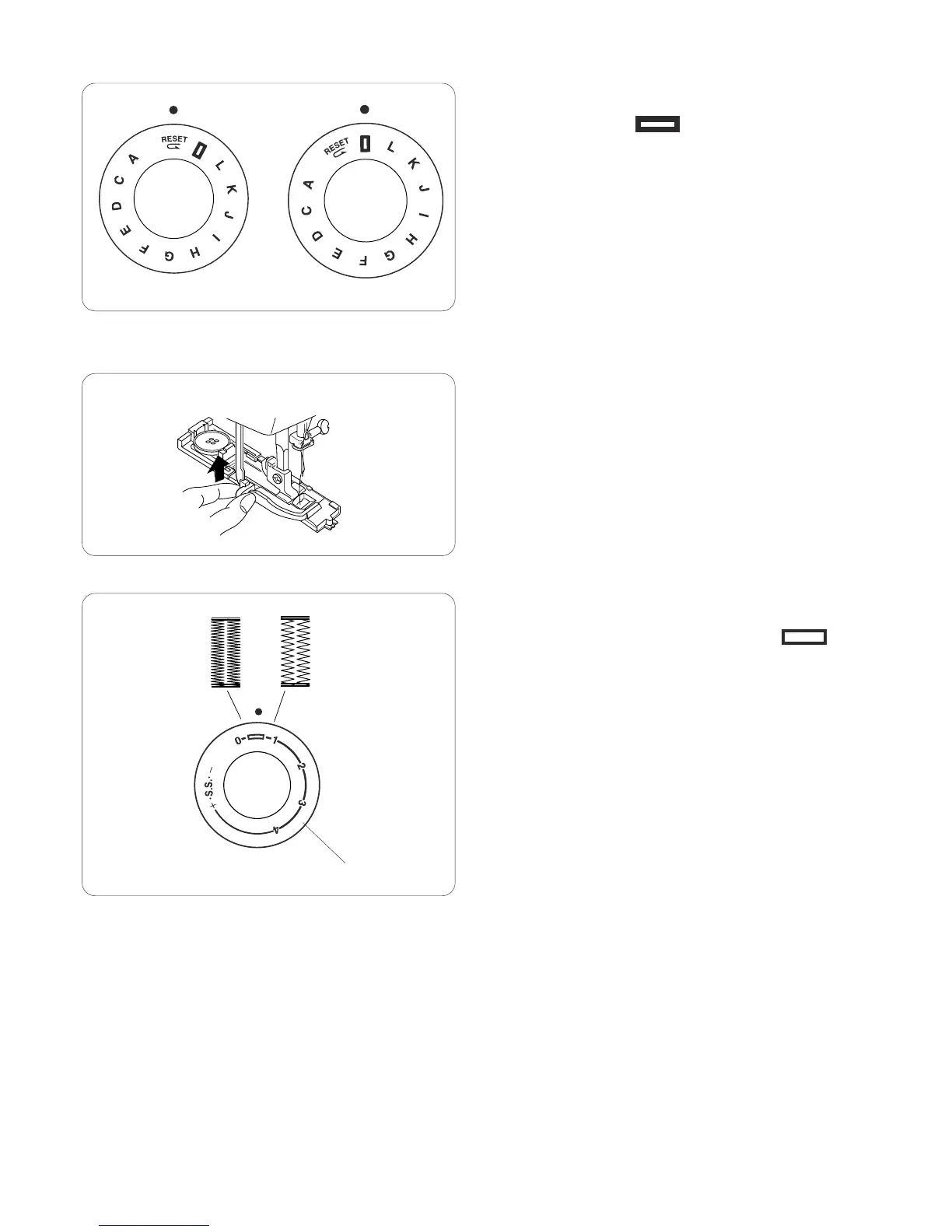
To sew another buttonhole, turn the stitch selector to
“RESET”, then back to “ ” again, as shown.
Now, simply step on the foot control to sew an identical
buttonhole.
m
q




 To Next Page