48
Automatic buttonhole
Select the pattern 14.
Attach the Automatic Buttonhole Foot R. Pull the
Button Holder all the way out.
Mark the buttonhole position on the fabric. Insert the
fabric under the foot. Press the Up/Down Needle
Button twice. Remove the fabric to the left to draw the
needle thread through the Hole of the foot.
Insert the garment under the foot, and lower the
needle at the starting point. Then lower the Automatic
Buttonhole Foot R.
1 Button Holder
2 Hole
3 Needle Thread
4 Bobbin Thread
NOTES:
You do not need to pull down the Buttonhole Lever.
If you wish to change the buttonhole width and stitch
density press the Adjust key.
If you wish to sew a buttonhole longer than the size
permitted by the Automatic Buttonhole Foot R, use
Satin Stitch Foot F.
1
2
3
4
A Z
Auto BH
14 15 16 17 18
19
20
21
22
23
24
R
SET
Adjust
Pull Button Holder firmly.
Auto
Auto
3
13
Sensor
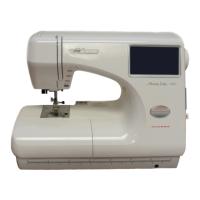
Janome Memory Craft 9500 Instruction Manual
MC9500 Owners Manual/ User Guide






 To Next Page
