EasyManua.ls Logo

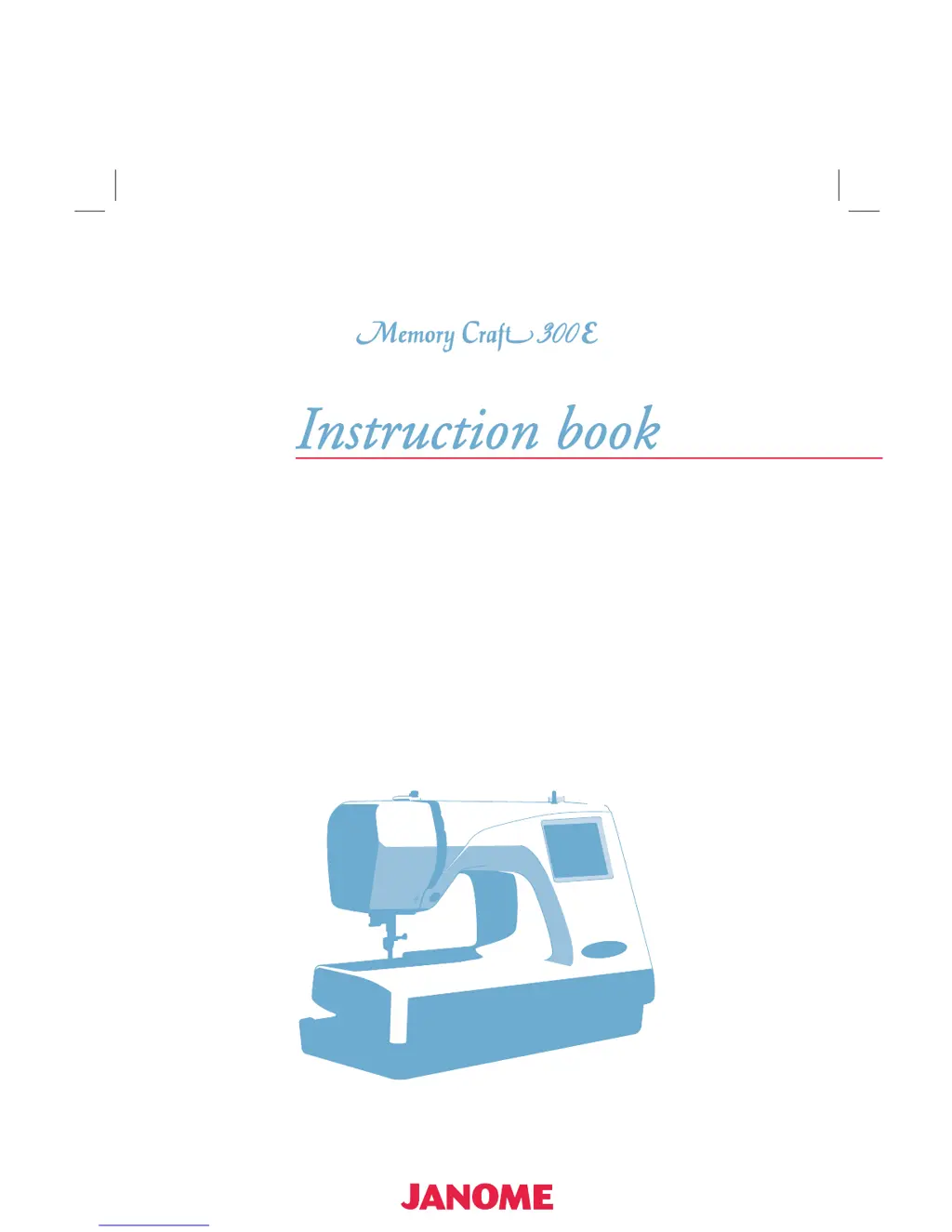
Janome MEMORYCRAFT 300E - User Manual

Janome MEMORYCRAFT 300E
48 pages
Print Icon
To Next Page IconTo Next Page
Loading...

Questions and Answers

  • S
    Steven SimsJul 28, 2025
    Why is my Janome MEMORYCRAFT 300E Sewing Machine so noisy and the needle thread keeps breaking?
    • R
      Rebecca SmithJul 28, 2025
      There are several reasons why your Janome sewing machine might be noisy and the needle thread could be breaking: * Threads may be caught in the hook mechanism. * The needle thread might not be threaded properly. * The needle thread tension could be too tight. * The needle might be bent or blunt. * The needle could be inserted incorrectly. * The needle thread might not be set in the thread holder when starting the machine.
  • S
    spattersonAug 1, 2025
    What to do if the needle keeps breaking on my Janome MEMORYCRAFT 300E?
    • C
      Charles DavisAug 2, 2025
      If the needle keeps breaking on your Janome sewing machine, consider the following potential causes: * The needle might be inserted incorrectly. * The needle could be bent or blunt. * The needle clamp screw may be loose. * The needle thread tension might be too tight.
  • A
    Annette BriggsAug 6, 2025
    Why does the bobbin thread keep breaking on my Janome MEMORYCRAFT 300E Sewing Machine?
    • J
      Joshua HamptonAug 6, 2025
      The bobbin thread on your Janome sewing machine might be breaking due to these reasons: * The bobbin thread isn't threaded correctly in the bobbin holder. * Lint has accumulated in the bobbin holder. * The bobbin is damaged and does not turn smoothly. Replace the bobbin in this case.
  • S
    Steven CooperAug 10, 2025
    How to fix a Janome MEMORYCRAFT 300E Sewing Machine that does not run?
    • W
      william54Aug 10, 2025
      If your Janome sewing machine isn't running, check these potential causes: * A thread is caught in the hook race. * The control circuit isn't working correctly. Try turning the switch off and then on again.
  • M
    Madison BrennanAug 14, 2025
    What to do if my Janome MEMORYCRAFT 300E Sewing Machine makes abnormal noise and patterns are distorted?
    • M
      Margaret Adams MDAug 14, 2025
      If your Janome sewing machine is making abnormal noises and the patterns are distorted, consider these possibilities: * Something may be caught between the carriage and the arm. Remove the object. * The carriage might be touching something around the machine. * The fabric isn't pulled tightly on the embroidery hoop. * The embroider hoop isn't fixed securely. * The carriage is bumping into something around the machine. * The fabric is caught or pulled for some reason when sewing embroidery. Stop the machine and free the fabric. * The needle thread tension is too tight. * A stabilizer is not used. * The needle thread on the wrong side of fabric is not cut correctly. Cut extra needle thread on wrong side.
  • S
    Stacy MorrowAug 19, 2025
    Why is the visual touch screen not clear and are stitches skipped on my Janome MEMORYCRAFT 300E?
    • R
      ruben02Sep 12, 2025
      Here are some reasons why the visual touch screen might not be clear and stitches are being skipped on your Janome sewing machine: * The screen contrast of the visual touch screen isn't adjusted correctly. * The screen contrast has faded due to continuous use. * The needle is inserted incorrectly. * The needle is bent or blunt. * The needle thread isn't threaded properly. * A defective needle (rusted, burred needle eye) is being used. Replace the needle. * The embroidery hoop isn't set properly. * The fabric isn't tightly pulled on the embroidery hoop. * A stabilizer isn't being used.
  • A
    Aaron BrooksAug 23, 2025
    What to do if pattern selection keys don't work on my Janome Sewing Machine?
    • T
      tiffanydavisAug 23, 2025
      If the pattern selection keys aren't working on your Janome sewing machine: * The key position might not be adjusted properly. * The control circuit may not be working correctly. In this case, turn the switch off and then on again.

Summary

KNOW YOUR MACHINE

Name of Parts

Identifies and labels all parts of the sewing machine for user reference.

GETTING READY TO SEW

Connecting the Power Supply

Steps to safely connect the sewing machine to a power source and turn it on.

Winding the Bobbin

Detailed steps for winding thread onto a bobbin correctly for sewing.

Threading the Machine

Step-by-step guide for properly threading the sewing machine needle and thread path.

Adjusting the Thread Tension

How to adjust needle and bobbin thread tension for balanced stitches.

Setting the Fabric in an Embroidery Hoop

Step-by-step process for correctly placing and securing fabric within an embroidery hoop.

KEY OPERATIONS

Pattern Selection Window

Overview of the main screen for selecting embroidery designs and patterns.

Selecting Patterns

How to choose from built-in, monogram, or PC card embroidery designs.

EMBROIDERY SEWING

Monogram Embroidery

Procedure for sewing a monogram, including color changes for multi-color designs.

Editing Mode

Functionality to modify and combine embroidery patterns to create custom designs.

CARE AND MAINTENANCE

Cleaning the Hook Race and Feed Dog

Detailed instructions for cleaning essential internal parts like the hook race and feed dog.

Troubleshooting

Janome MEMORYCRAFT 300E Specifications

General IconGeneral
BrandJanome
ModelMEMORYCRAFT 300E
CategorySewing Machine
LanguageEnglish

Related product manuals