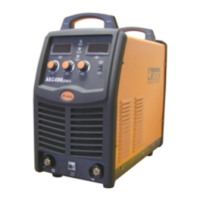
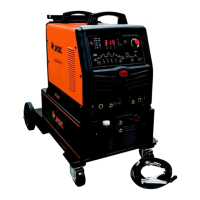
(Installation drawing)
1) Remove the plug shown in above left drawing,and refit into the space the wireless
receiver module shown in above right drawing.
2) Remove the screws on the left side cover of the machine.
3) Remove the buckle inside the front panel of the machine and pull out the plug.
4) Insert the wireless receiver module to the front panel, and then connect the connection
line of the receiver module to the CN5 socket on the main board.
NOTE: Please check that the machine supports wired hand-held remote control
before installation.


 To Next Page