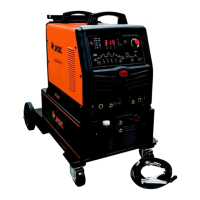
6.2. Display of parameters and error codes
1) When not welding, the current parameter setting value will be automatically displayed.
2) When welding, the actual output current value is displayed.
3) When the factory settings are restored the countdown is displayed.
4) When the barcode queried the machine barcode is displayed.
5) When the product is not working correctly an error code is displayed.
6.3. Parameter adjustment knob
1) Rotate the adjusting knob to adjust the parameters.
2) Rotating the adjusting knob clockwise increases the parameter value, and rotating the
adjusting knob counterclockwise decreases the parameter value.
3) When the adjusting knob is rotated the adjusted parameters are displayed in the
parameter display area.
6.4. Selection of working mode
1) Before welding, press the welding mode key to switch between MMA and TIG
welding, and select the corresponding mode based on the welding process requirement.
2) If the indicator is on, this indicates the MMA mode is selected.
3) If the indicator light is on, this indicates the TIG mode is selected .


 To Next Page