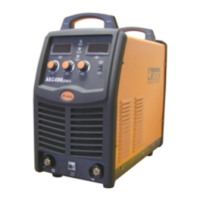
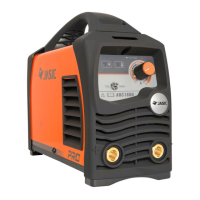
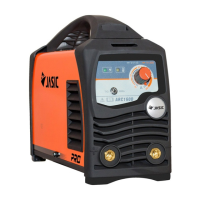
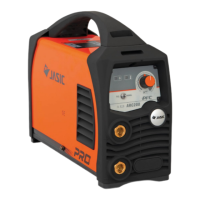
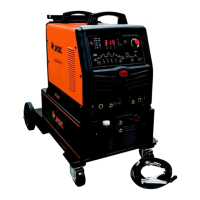
6. Control panel
6.1. Overview
a. Parameter and error code display
b. Protection indicator
c. Operation mode selector
d. electrode diameter selector
e. VRD function indicator
f. Parameter adjustment knob
g. MMA parameter selection
h. Remote control enable (optional) (The standard version does not have the key and the
indicator will not be on during working)


 To Next Page