Configuration
Configuring the Internal/External UHF Modem/GSM Module
46 www.javad.com
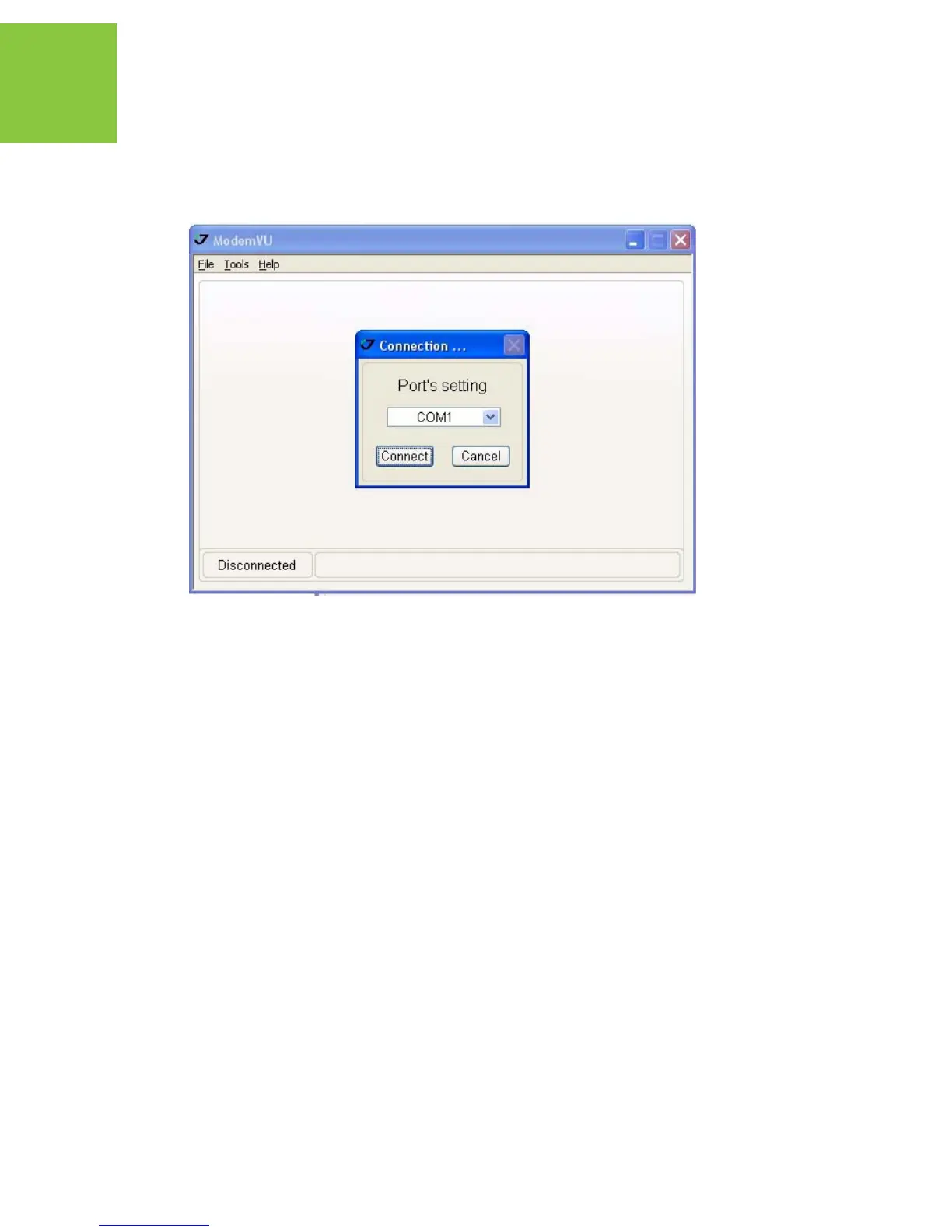
4. Select the COM port the receiver / the HPT 435 is connected to (Figure 3-2). Click
Connect.
Figure 3-2. Connect to ModemVU
If the TRIUMPH-1 Internal Radio is selected...
In the Connecting to device dialog window select the following:
• To set up the UHF modem select ON in the Radio drop-down list box, then click Apply
and Connect Radio.
• To set up the GSM module select Slave, Master or GPRS in the GSM drop-down list box,
then click Apply and Connect GSM.
• Slave for base receiver;
• Master for rover receiver;
• GPRS for set up General Packet Radio Services (GPRS) and connect receiver to Internet.


 To Next Page