Setup and Survey
Receiver Setup
Collect Data
74 www.javad.com
4.1.5. Collect Data
See the remaining sections in this chapter for more information on collecting data.
1. Turn on the receiver.
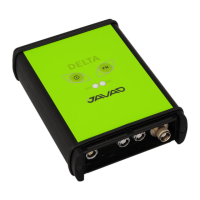
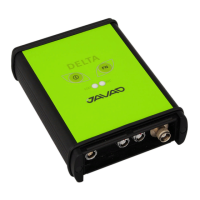
2. Once the receiver has locked on to eight or more satellites the SAT light will green.
3. A red color of POS LED indicates that the receiver has not solved a position. Four or more
satellites provide optimal positioning.
4. Once the red POS LED is green, the receiver has a position and surveying can begin; wait
for green light before beginning data collection. This ensures that the receiver has the
correct date and time, and is locked on to enough satellites to ensure good quality data.
The process of locking on to satellites normally takes less than one minute. In a new area,
under heavy tree canopy, or after resetting the receiver, it may take several minutes.
5. To begin collecting data, press and hold the FN key (for more than one second and less
than five seconds).
6. Release the FN key when the REC (recording) LED turns green. This indicates that a file
has opened and data collection has started. The REC LED blinks each time data is saved to
the internal memory.
7. When finished, press and hold the FN key until the REC LED light goes out.
8. To turn off the receiver, press and hold the power key until all lights go out, then release.


 To Next Page