(2) Set Password
Set or change the password for locked programs. Enter your old password or the
default password '000000'. You will then be asked to enter your new password. To
confirm, re-enter your new password again.
Once it is confirmed, press EXIT to exit the Menu.
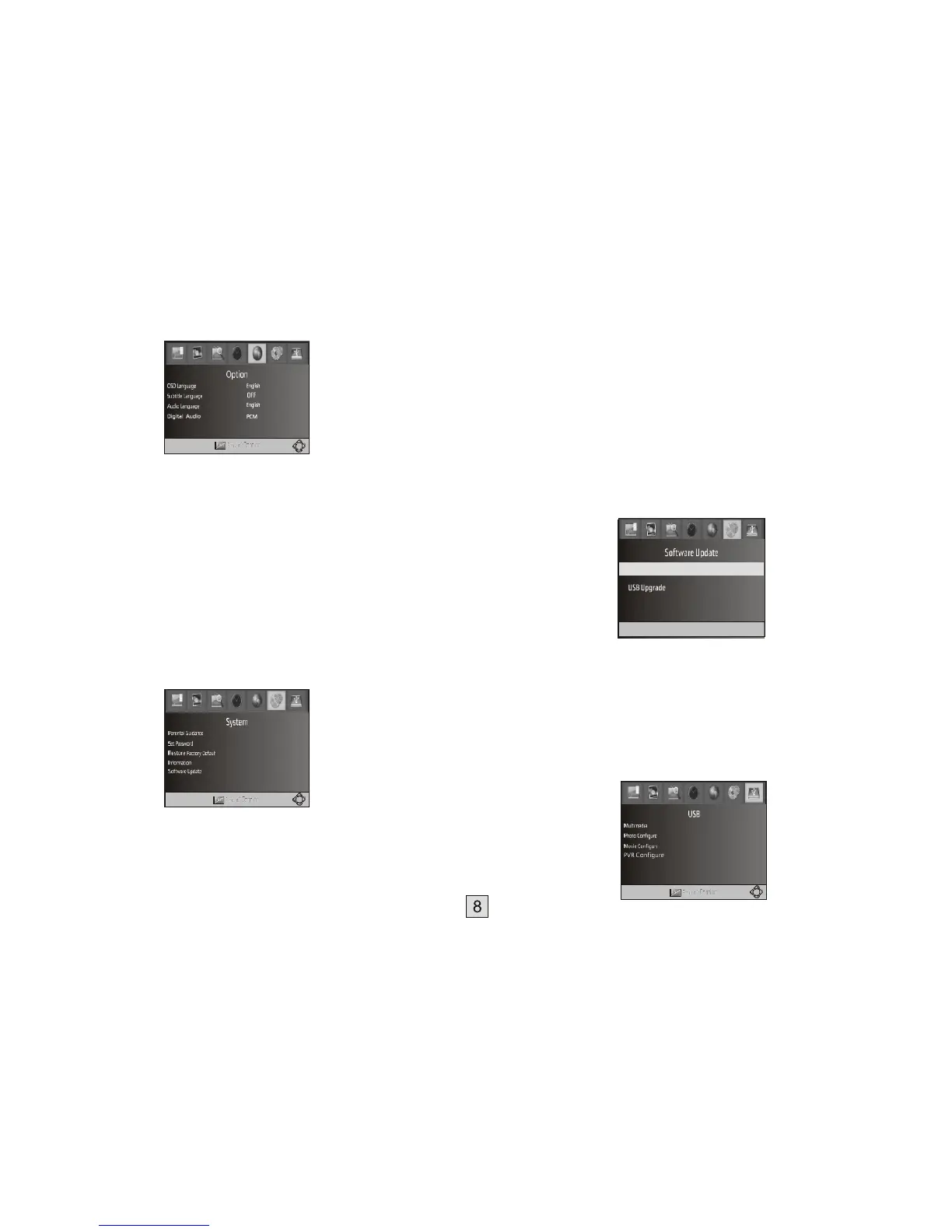
(1). OSD Language
The OSD (On Screen Display) language is fixed to English. (2).
Subtitle Language
Selects the preferred subtitle language. When on, subtitles will always be shown
during DTV reception (but only when subtitles are available).
(3). Audio Language
Selects the preferred audio language for watching TV channels.
If the language is not available, the default program language will be used.
(4) Digital Audio
Selects the digital audio output mode. Refer to your audio amplifiers user manual
for its required input format.
(10) System Setting
To access the Menu, press MENU and select [System]. The menu provides
options to adjust the system settings.
Press the UP/DOWN key to select an option and press RIGHT/LEFT to adjust
the setting.
Press EXIT to exit the Menu and save any changed settings.
(3) Restore Factory Default
Resets your Set Top Box to the “out of box” settings.
In Main Menu select [Restore Factory Default] and press OK or RIGHT to
select. Enter your password or the default password '000000' and press OK to
confirm. This option will delete all preset channels and settings.
(4) Information
View model, hardware and software information.
(5) Software update
1. OAD (“Over the Air Upgrades)
If the status is set 'ON ', it will look for new software upgrades in TV broadcasts at your
preferred time in ''Start time''. We recommend this be left 'OFF' unless advised
otherwise.
2. USB upgrade
This is for updating the STB’s internal software. DO NOT activate this function unless
you have valid software as the only file on a USB drive that is connected to the STB. If
you load the wrong software the STB will be destroyed (“Bricked”).
(11) USB Multimedia playback:
(1) Parental Guidance
You can restrict access to channels that are unsuitable for children.
To restrict/lock the channel you will need to enter either password '000000' or your
own password if you have changed it. Use the RIGHT cursor button to
select the required classification restriction, then press OK to confirm and press EXIT to
exit the menu.



 To Next Page