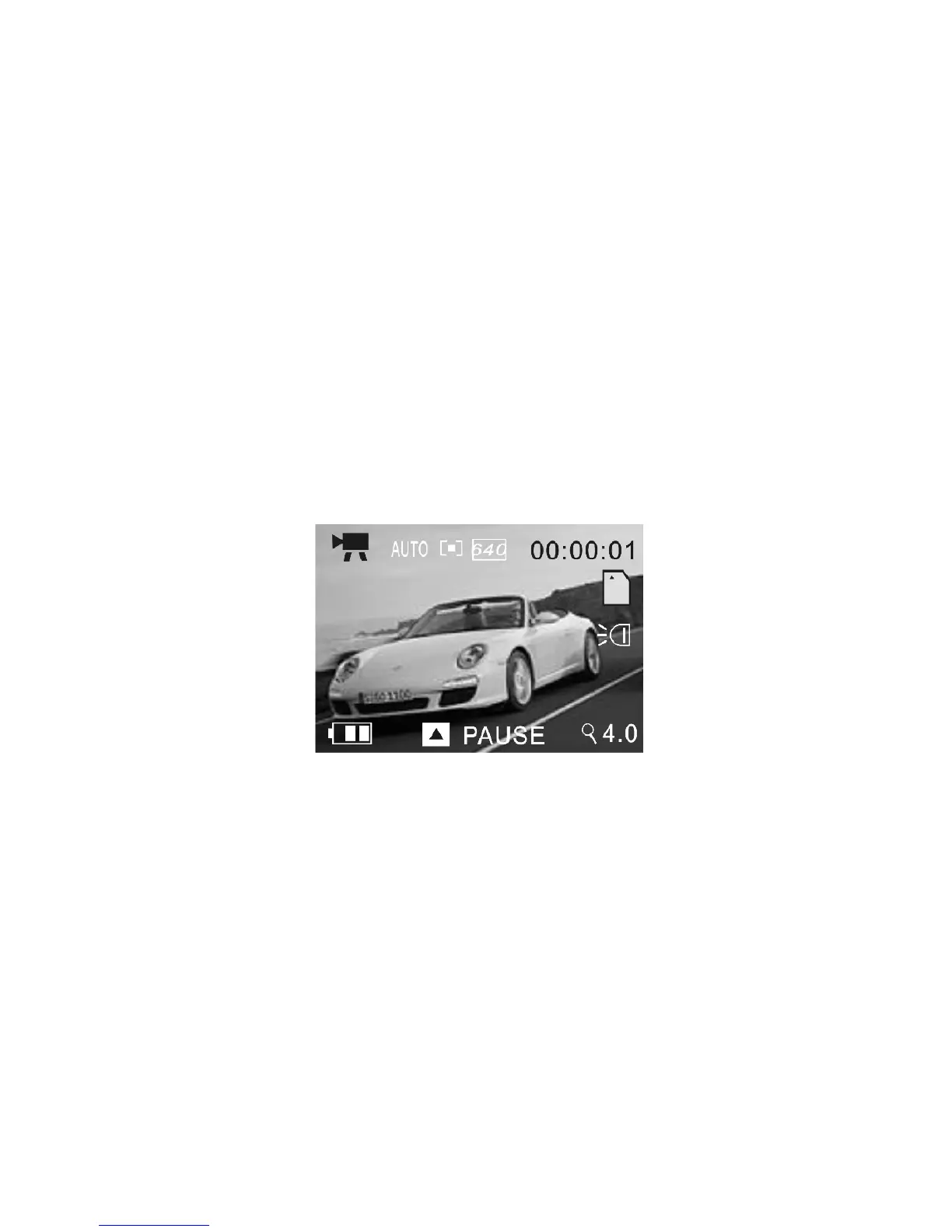
1 Press the Shutter button to start recording video
2 The video recording counter will start counting the elapsed recording time
3 Press the Up button to pause recording and press again to continue
4 Press the Shutter button again if you wish to stop recording
5 You can zoom IN or zoom OUT of the scene while recording a Video clip;
use Zoom IN / OUT buttons or Zoom IN / OUT selector to adjust the zoom.
Video mode / Menu
When the camcorder is in Preview / scene Mode press the Menu button to enter
available settings as below:



 To Next Page