AV1 Mode Adjust
5-3
PREFERRED LISTENING MODE SELECTION
PARAMETERS
The INPUT SETUP menus include four preferred listening mode
selection parameters labeled 2-CH, DOLBY D, DTS(-ES) and 5.1a.
These parameters can be used to select a preferred listening mode
for 2-channel, Dolby Digital, DTSDTS(-ES) and 5.1a input sources.
The AV1 automatically activates the selected listening mode when-
ever a new input is selected or a new input source is present. See
“Selecting Preferred Listening Modes” on page 3-13 for more
information.
MODE AND BUTTONS
The front-panel and remote control Mode and buttons can be
used to audition listening modes with the current input source. Press-
ing these buttons scrolls upward () and downward () through lis-
tening modes available for the current source. Listening modes are
scrolled in the order that appears on the MODE ADJUST menu.
For example, if a 2-channel input source is present, the Mode
and buttons scroll through available 2-channel listening modes.
The selected listening mode appears in the bottom-left corner of
the two-line status.
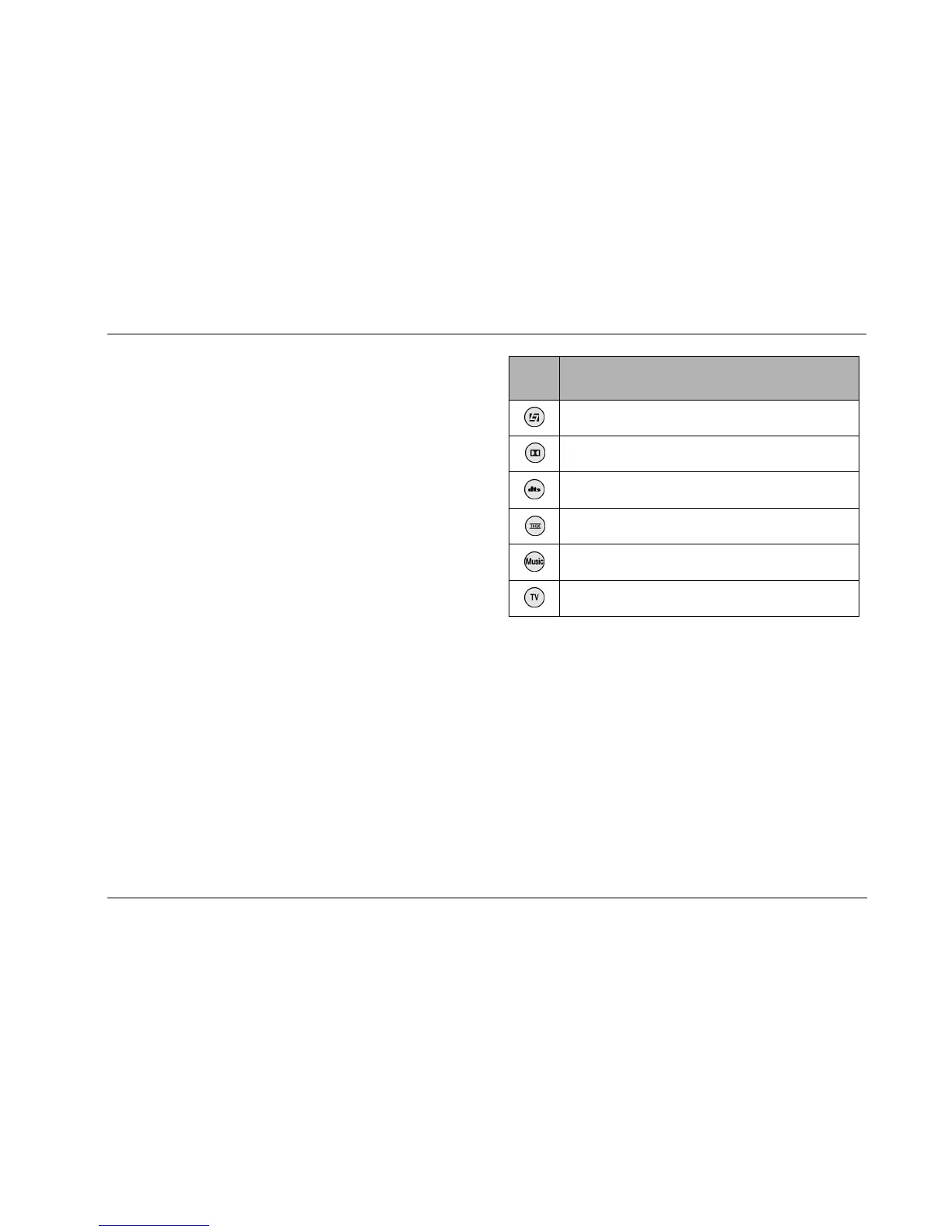
MODE FAMILY SELECTION BUTTONS
The remote control mode family selection buttons can be used to
activate the LOGIC7 Film, LOGIC7 Music, LOGIC7 TV, LOGIC7
Music Surround, Dolby, DTS(-ES) or THX listening mode that is
appropriate for the input source. For instance, if the L7 button is
pressed while a 2-channel source is present, the LOGIC7 FILM
listening mode is activated. The table in the next column indicates the
listening modes associated with each mode family selection button.
* These listening mode names differ depending on the input source, the
speaker configuration and certain parameter settings.
** The "MODE SELECTION NOT AVAILABLE" message appears in the on-screen
and front-panel displays when no listening mode is available for the input
source that is present.
Button
2-Channel
Sources
Dolby Digital
Sources
DTS(-ES)
Sources
L7 FILM 5.1 L7 FILM DTS(-ES) L7 FILM
DOLBY PLII MOVIE DOLBY DIGITAL* MODE SELECTION
NOT AVAILABLE**
DTS Neo:6 FILM 5.1 THX* DTS(-ES)
DOLBY PLII + THX MODE SELECTION
NOT AVAILABLE**
DTS-ES THX
L7 MUSIC 5.1 L7 MUSIC DTS(-ES) L7 MUSIC
L7 TV 5.1 L7 TV MODE SELECTION
NOT AVAILABLE**



 To Next Page