AV1 Setup
3-49
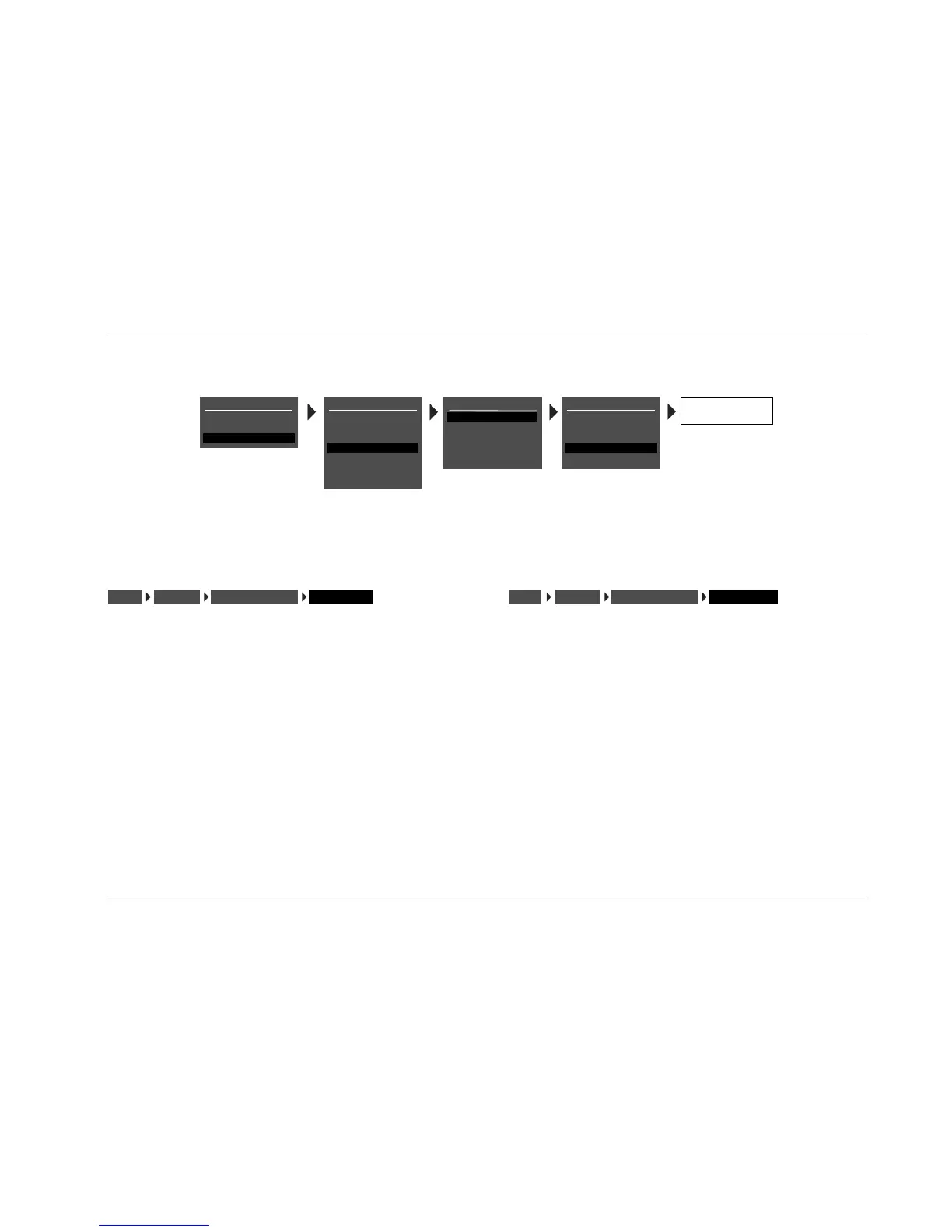
BACKGROUND ON, OFF
Activates and deactivates the menu background. When ON, on-
screen display menus appear over a solid blue or gray background
(depending on the display device). When OFF, on-screen display
menus appear over the video input signal.
Note:
When the BACKGROUND parameter is OFF, the on-screen display disap-
pears if the display device is using the component video output connector.
REMOTE STATE ON, OFF
Controls the remote control command bank indicator that appears
on the on-screen display. When ON, a command bank indicator
appears in the top-right corner of the on-screen display indicating
the last command bank from which the AV1 received a command.
When OFF, no command bank indicator appears in the on-screen
display.
A 1 appears when a command from the Shift 1 command bank was
received last. An 2 appears when a command from the Shift 2 com-
mand bank was received last. No letter appears when a command
from the default command bank was received last.
BACK GROUND
DISPLAYSSETUP
ON-SCREEN DISPLAY
REMOTE STATE
DISPLAYSSETUP
ON-SCREEN DISPLAY
MAIN MENU
MODE ADJUST
AUDIO CONTROLS
SETUP
SETUP
INPUTS
SPEAKERS
REAR PANEL CONFIG
DISPLAYS
VOLUME CONTROLS
TRIGGER
LOCK OPTIONS
DISPLAY SETUP
ON-SCREEN DISPLAY
FRONT PANEL DISPLAY
A/V SYNC DELAY
CUSTOM NAME
EDIT CUSTOM NAME
OFF
OFF
ON
OFF
ON-SCREEN DISPLAY
STATUS
POSITION
FORMAT
BACKGROUND
REMOTE STATE
2 SECONDS
TOP
NTSC
ON
ON



 To Next Page