AV1 Setup
3-51
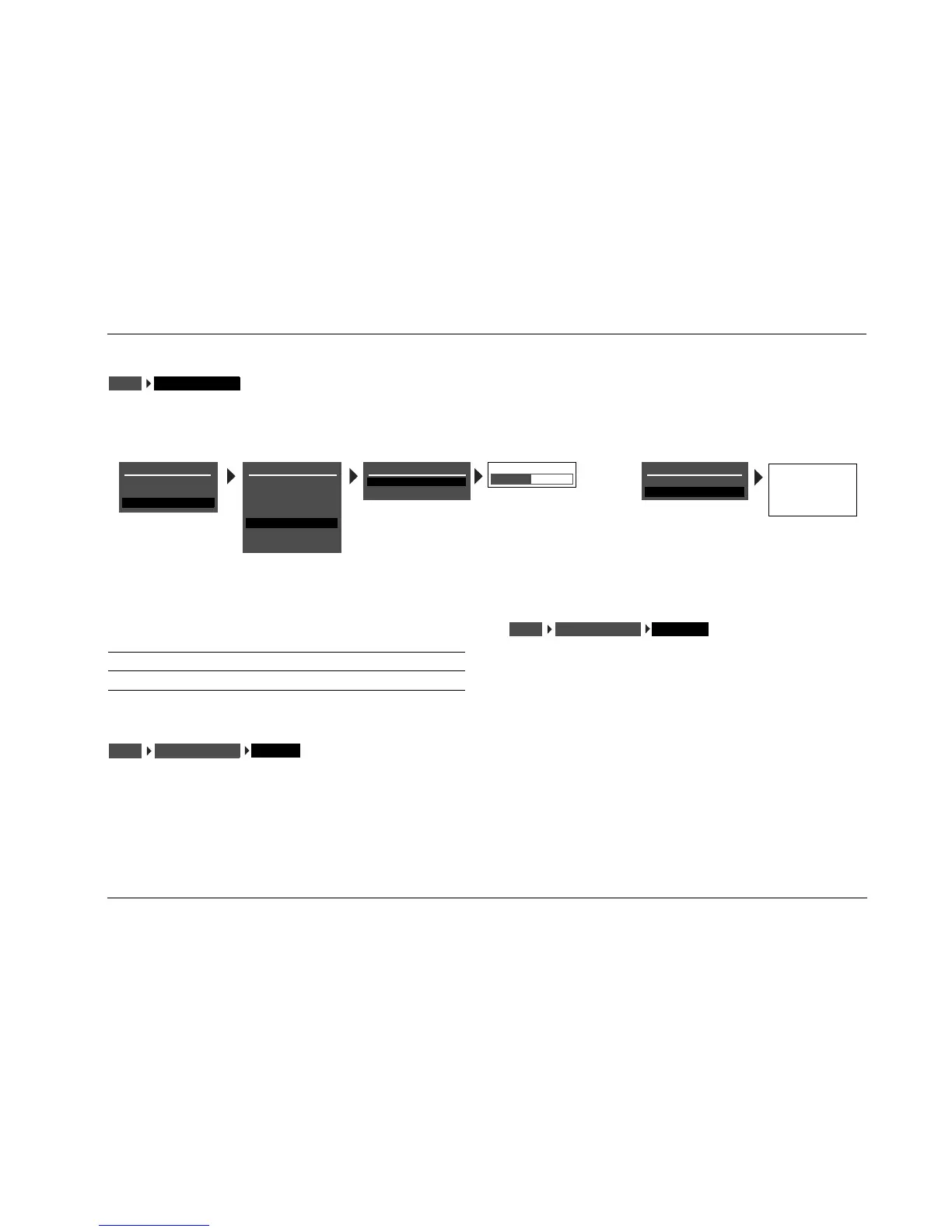
VOLUME CONTROL SETUP
Selecting the SETUP menu VOLUME CONTROLS option opens the VOLUME CONTROL SETUP menu, which is used to configure volume and
mute levels.
POWER ON LAST LVL, -80dB to +6dB
Sets the volume level that will be selected whenever the AV1 is acti-
vated. When set to LAST LVL, the AV1 will activate at the last volume
level that was selected during the previous operating session.
MUTE LEVEL FULL, -40dB, -30dB, -20dB, -10dB
Sets the amount of attenuation that occurs whenever the front-
panel or remote control Mute button is pressed. When set to FULL,
volume level will be fully attenuated whenever the front-panel or
remote control Mute button is pressed. Otherwise, the volume
level will be attenuated to the selected level.
VOLUME CONTROLSSETUP
VOLUME CONTROL SETUP
POWER ON
MUTE LEVEL
-30dB
-30dB
-
10dB
-
20dB
-
30dB
-
40dB
FULL MUTE
MAIN MENU
MODE ADJUST
AUDIO CONTROLS
SETUP
SETUP
INPUTS
SPEAKERS
REAR PANEL CONFIG
DISPLAYS
VOLUME CONTROLS
TRIGGER
LOCK OPTIONS
VOLUME CONTROL SETUP
POWER ON
MUTE LEVEL
-30dB
-30dB
LAST LVL, -80 to +16dB
Parameter
Default
Setting
Possible
Settings
POWER ON -30dB LAST LVL, -80dB to +6dB
MUTE LEVEL -30dB FULL, -40dB, -30dB, -20dB, -10dB
VOLUME CONTROLSSETUP
POWER ON
VOLUME CONTROLSSETUP
MUTE LEVEL



 To Next Page