Setup JBL Performance
3-12
ASSIGNING AUDIO & VIDEO INPUT CONNECTORS (continued)
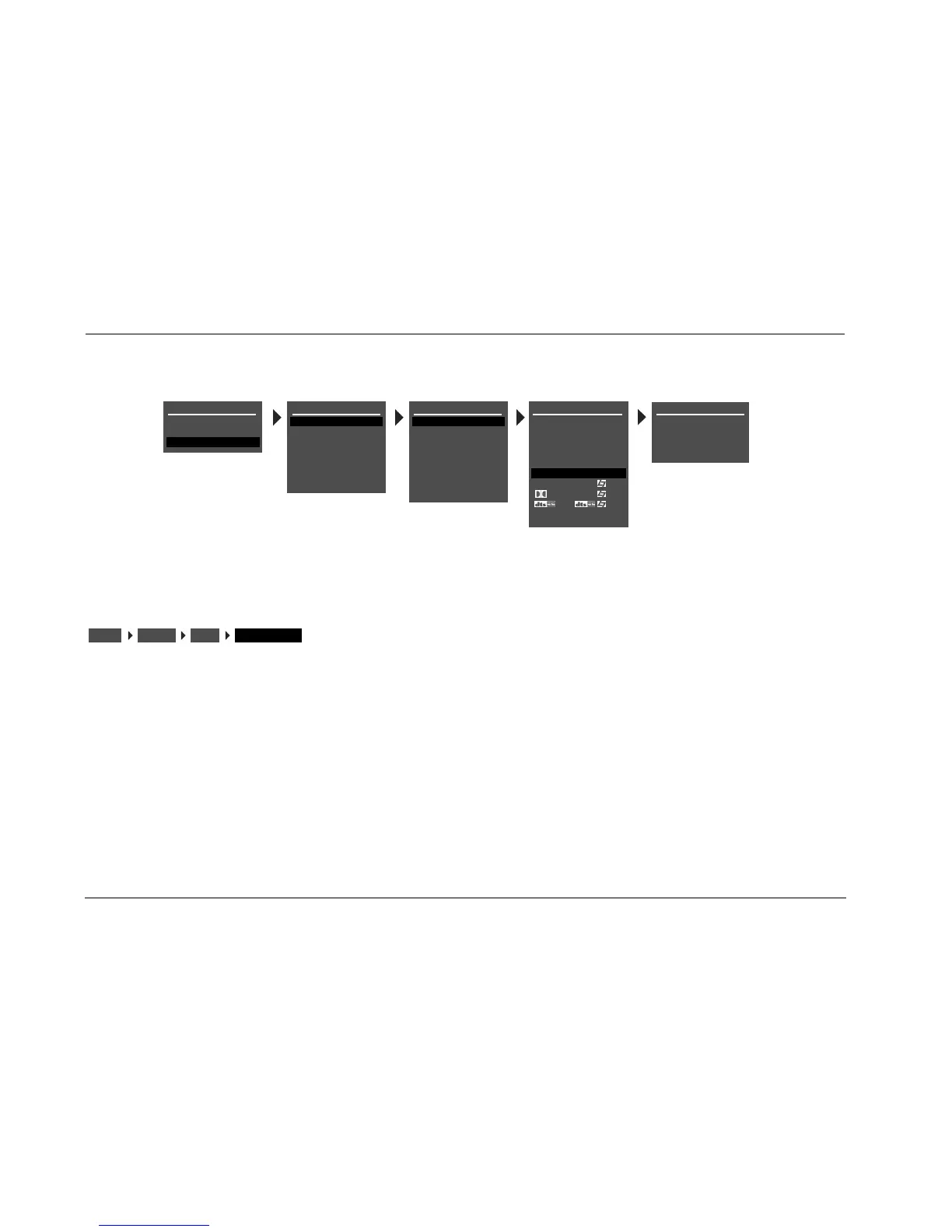
COMPONENT IN COMPONENT 1 TO 3, NONE
Opens the COMPONENT menu, which assigns a component video
input connector for the selected input. The AV1 has eight config-
urable inputs, each of which can be assigned to any of its three
component video input connectors.
Note:
Composite video output connectors are available when a composite
source is present.
DVD1 COMPONENT
COMPOSITE-1
MAIN MENU
MODE ADJUST
AUDIO CONTROLS
SETUP
SETUP
INPUTS
SPEAKERS
REAR PANEL CONFIG
DISPLAYS
VOLUME CONTROLS
TRIGGER
LOCK OPTIONS
INPUT SETUP
DVD1
DVD2
SAT
VCR
TV
CD
TUNER
AUX
COMPOSITE-2
COMPOSITE-3
NONE
DVD1 INPUT SETUP
NAME
DIGITAL IN
ANALOG IN
VIDEO IN
COMPONENT IN
2-CH
ADVANCED
D
DVD1
COAX-1
NONE
AUTO
S-VIDEO-1
1
FILM
5.1 FILM
FILM
ANLG IN LVL
INPUTSSETUP
DVD1
COMPONENT IN



 To Next Page