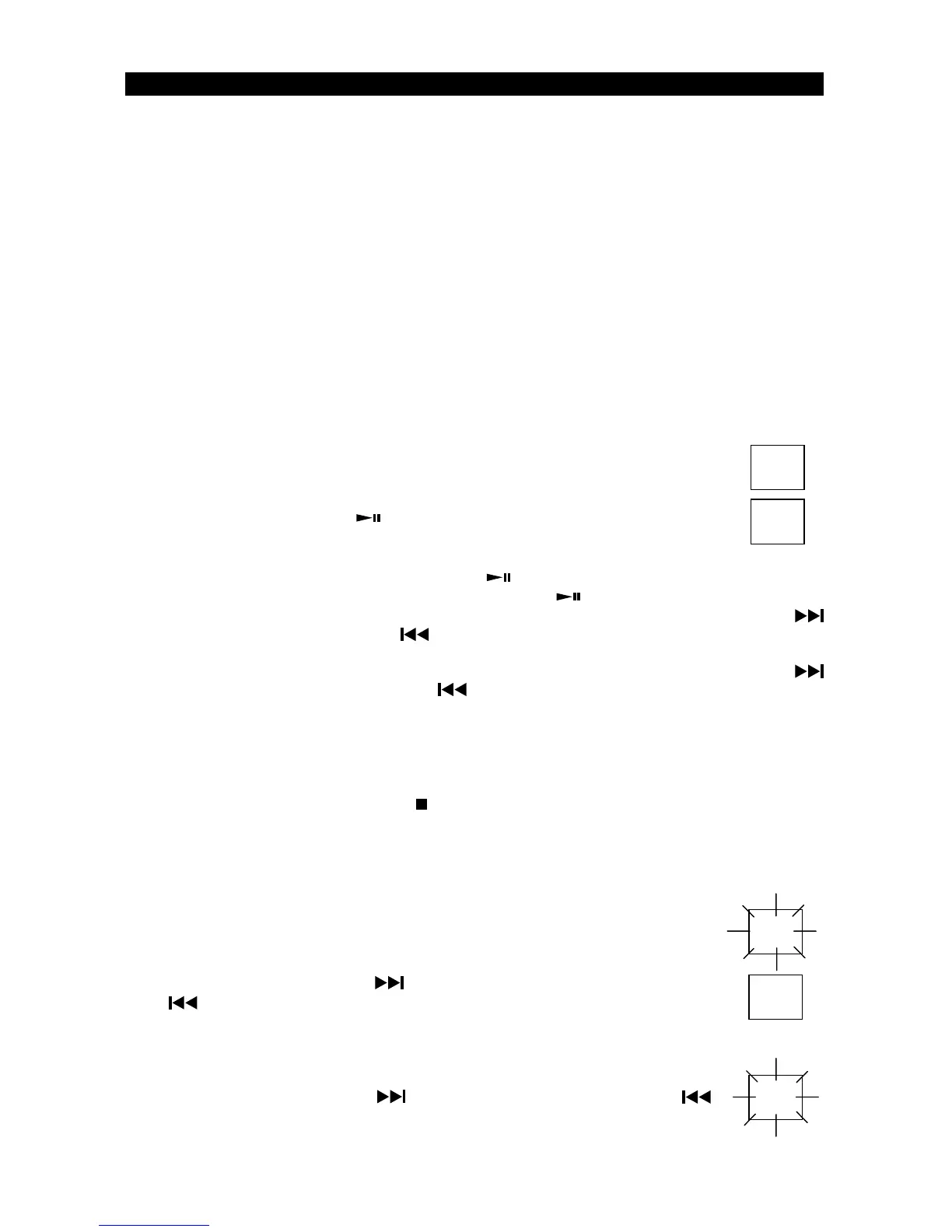
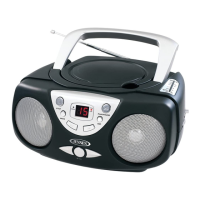
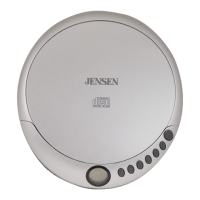
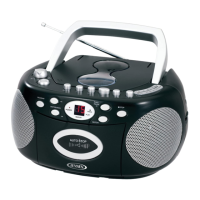
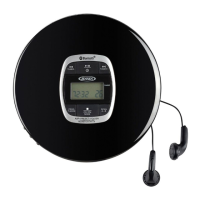
Note: This CD player will not only play commercial CDs, but also self-compiled CD-R/RW discs.
DonotattempttoplayCD-ROM,CDI,VCD,DVDorcomputerCDs.
Notes on CD-R/RW D
i
scs
•
Because of non-standardized format definition/production of CD-R/RW, playback quality
and performance are not guaranteed.
•
Manufacturer is not responsible for the playability of CD-R/RW due to recording conditions
such as PC performance, writing software, media ability, etc.
•
Do not attach a label or seal to either side of the CD-R/RW disc. It may cause a malfunction.
PLAYING A CD
1. Open the CD Door (# 3) by pressing down where the OPEN/CLOSE is indicated on the CD
Door (# 3).
2. Carefully place an audio CD with its label side upward in the CD compartment and close
the CD Door by pressing on the CD Door (# 3) where OPEN/CLOSE is indicated on the CD
Door (# 3).
3. Set the Function Selector (# 4) to the "CD" position. The POWER Indicator (# 14)
will light. The LED Display (# 16) will briefly display flashing “- -”and then the total
number of tracks on the CD will appear in the LED Display (# 16) after a few
seconds.
4. Press the CD Play/Pause
Button (#18). The Play/Pause Indicator (# 20) will
light steadily and the CD will start playing from the first track.
5. AdjusttheVolumeControl(#5)toobtainthedesiredsoundlevelfromtheBuilt-inSpeakers.
6. To pause playback, press the CD Play/Pause
Button (#18). The
Play/Pause Indicator (#20)
will flash. To resume playing, press the CD Play/Pause
Button (# 18) again.
7. You can choose to play your favorite track directly by pressing either the Skip Forward
Button (# 19) or Skip Backward
Button (# 17). The LED Display (# 18) will indicate the
correct track number selected.
8. To locate a particular section within a track, press and hold the CD Search Forward
Button (# 19) or CD Search Backward
Button (# 17) until the section is found. Release the
button to continue playing your selection.
9. To repeat a particular track, press the CD Repeat Button (#11) until the CD Repeat Indicator (#
13) flashes.
10. To repeat the entire CD
,
,
press the CD Repeat Button (#11) until the CD Repeat Indicator (#13)
light steadily.
11. To stop playing, press the CD Stop
Button (#10).
12. When you wish to turn off the CD Player, set the Function Selector (# 4) to the "OFF"
position. The Power Indicator (# 14) will go off.
CD PROGRAMMED P
LA
Y
This function allows the tracks to be played in a programmed sequence.
NOTE: Program can only be set in STOP mode.
1. In CD stop mode, press the Program Button (# 9) once. Program No. “01” will
appear and blink in the LED Display (#16).
2. Press the CD Skip Forward
Button (# 19) or CD Skip Backward
Button (# 17) to select the song to be programmed. For example
track 5 is selected.
3. Press the Program Button (#9) again to store selection. The LED Display (#16)
will go to “02” and blink to prompt for input.
4. Press the CD Skip Forward
Button (# 19) or CD Skip Backward
button (# 17) to select the next song to be programmed and press the CD
Program Button (# 9) to store the second selection
.
CD PLAYER OPERATION
- 7 -
1
19
5
02
0
1



 To Next Page