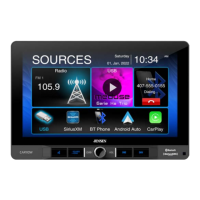
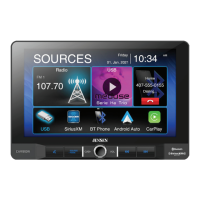
Bluetooth Microphone – The microphone is built-in to the receiver.
To ensure the best conversation quality/performance, stay within 3 feet (1 meter) of the unit’s microphone when
talking.
Pairing and Connecting
Before using Bluetooth functions, you must pair your mobile phone to the CDR462. The device name is “JENSEN
BT”. The Bluetooth passcode “0000”. To ensure the best reception for pairing and re-connection, please make sure
the mobile phone battery is fully charged before you begin.
Try to perform pairing within a few minutes of the mobile phone being turned on.
Once the unit has been paired with the mobile phone, the unit’s model number, “JENSEN BT”, will be displayed
on the mobile phone.
To achieve the best performance, always keep the mobile phone within 10 feet (3 meters) of the unit.
Always keep a clear path between the mobile phone and the unit. Never place a metal object or any other
obstacle between the mobile phone and the unit.
Some mobile phones may have a “Power Saving Mode” option. PLEASE DO NOT use the power saving mode
with the CDR462.
Before accepting or making a call, make sure your mobile phone’s “Bluetooth function” is turned on.
Dialing a Number
Press keypad to dial a number.
Making a Call
Dial number, press to connect a call
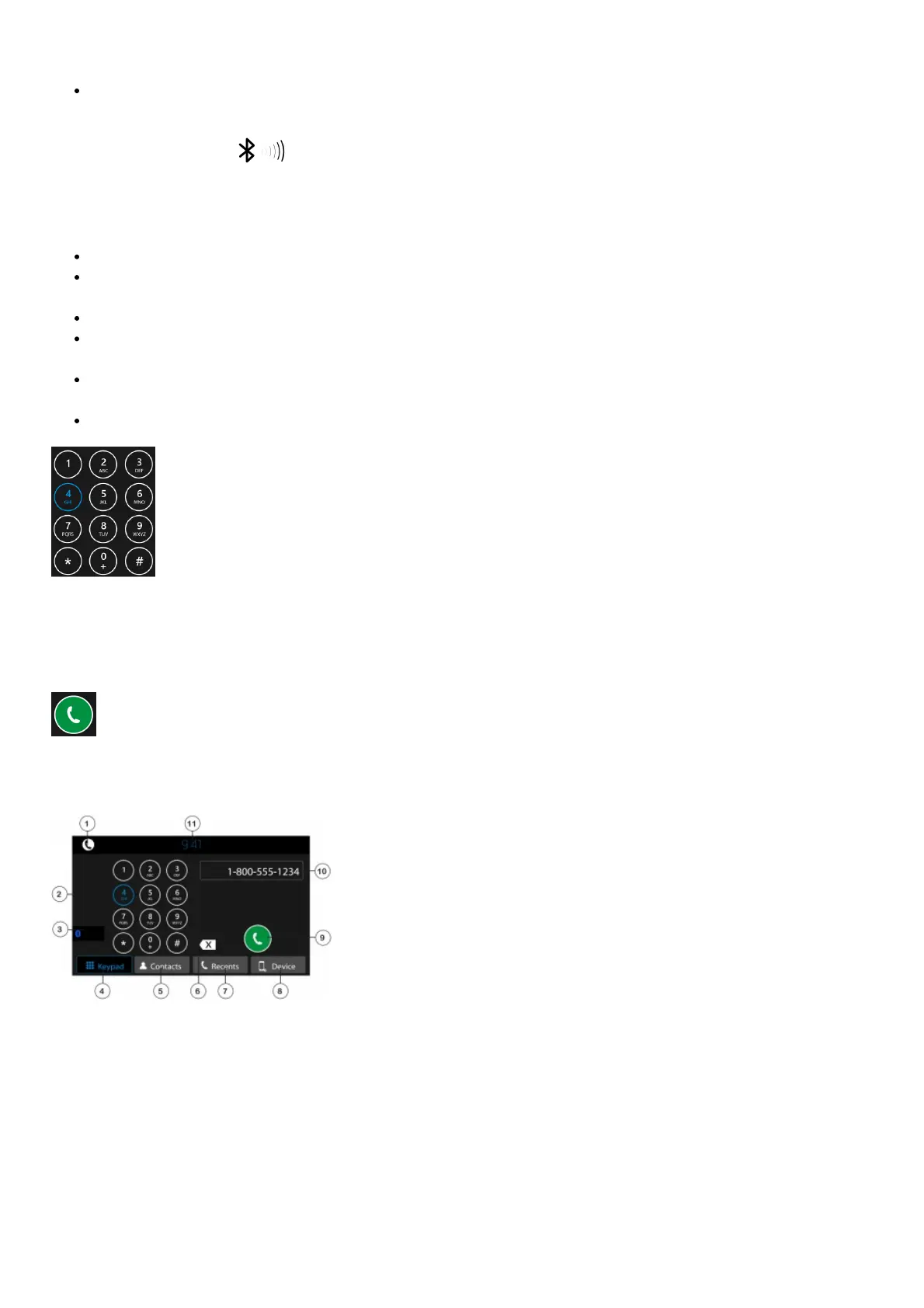
1. Current Mode / Main Source Menu
2. Dial Keypad
3. Back to Last Source
4. Bluetooth Keypad
5. Contacts – must be manually synced
6. Keypad Backspace
7. Recent Calls
8. Device Manager
9. Call Button
10. Number
11. Press Clock to Standby Monitor
– Press screen anywhere to return
– Audio will still continue to play while in Standby



 To Next Page