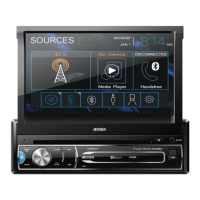
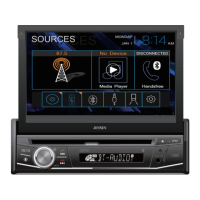
7
OPERATIONCMM710
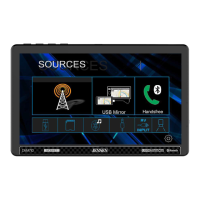
Source Menu Operation
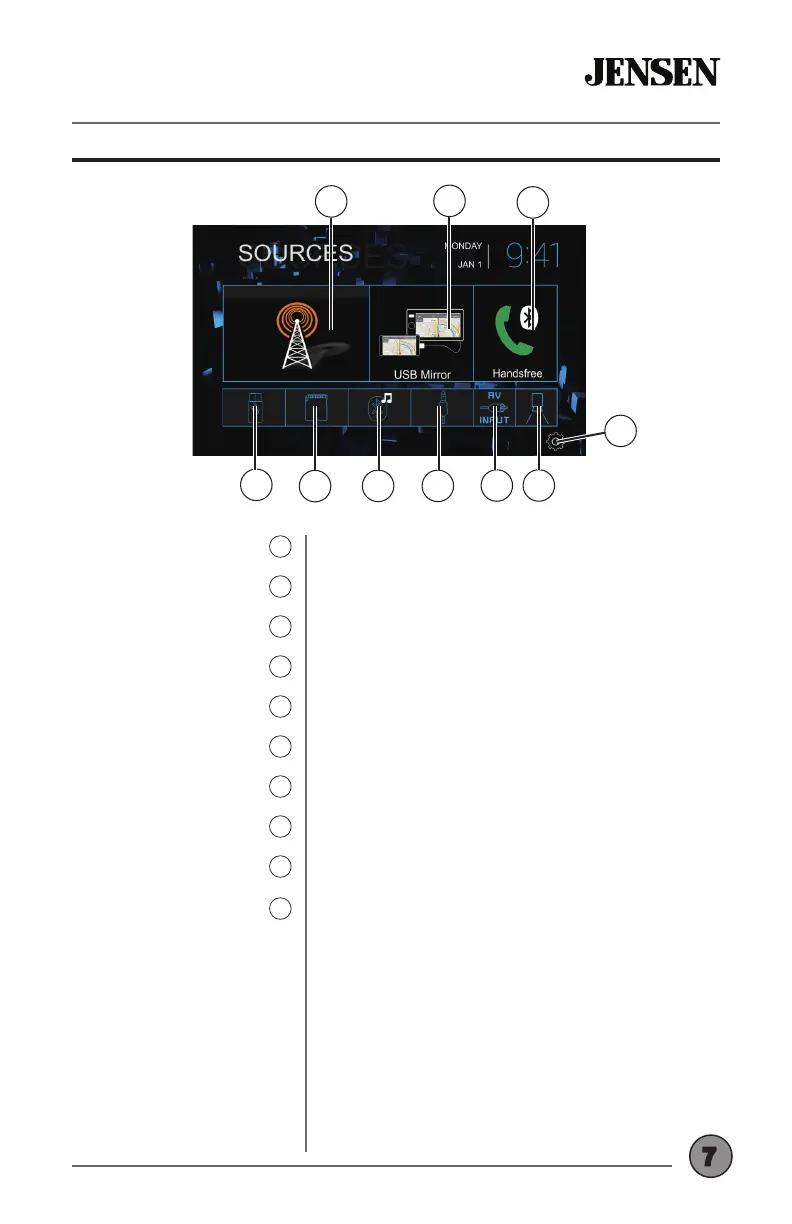
Press to access Radio.
Press to initiate USB mirroring.
Press to access Bluetooth phone.
Press to display and adjust system settings.
Press to display the rear camera.
Press to access AV input.
Press to access auxiliary input.
Press to access the Bluetooth music.
Press to access les on microSD card.
Press to access les on USB device.
Radio
1
USB Mirroring
2
Bluetooth Phone
3
Settings
4
Rear Camera
5
AV Input
6
Auxiliary Input
7
BT Music
8
microSD
9
USB
10
3
1
2
10
4
6
9
8 7
5


 To Next Page