OPERATIONCMM710
8
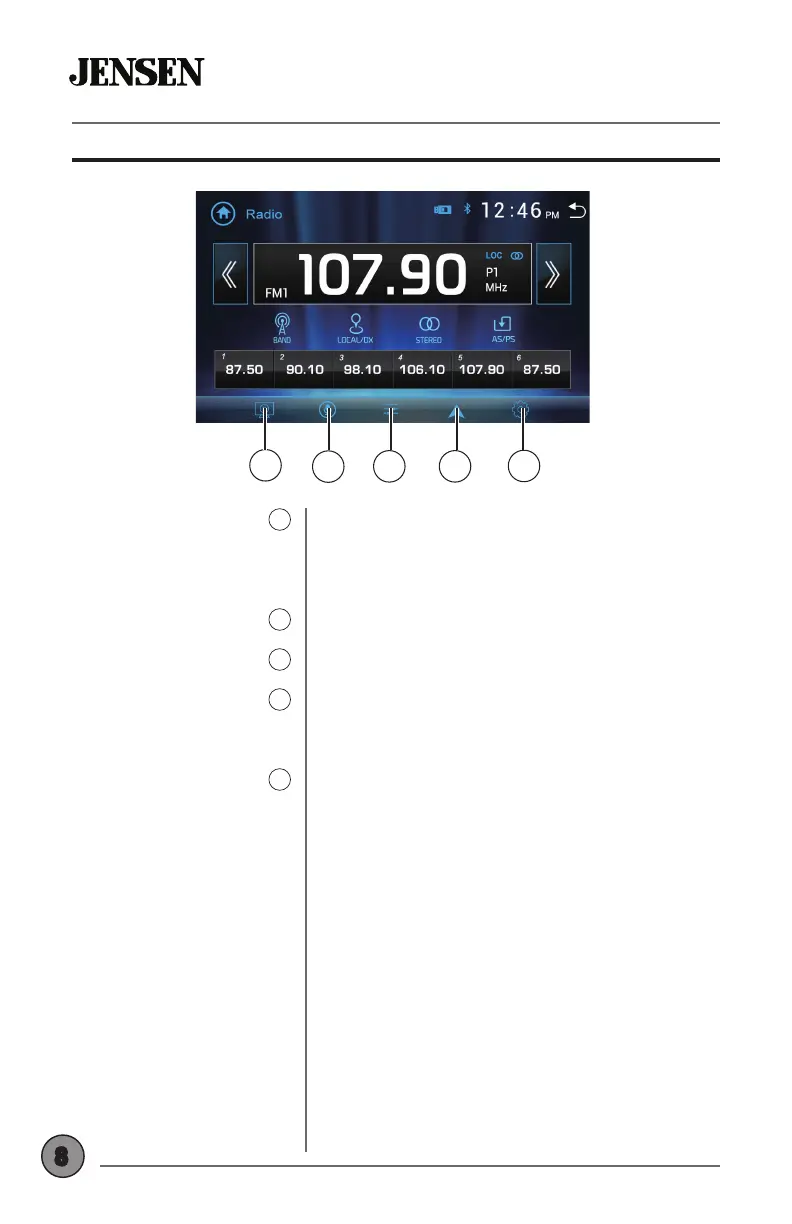
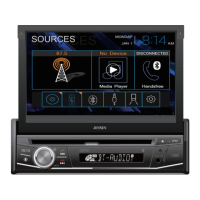
On Screen Controls
1
5
2
3 4
Press up to two times to dim the screen. Press
a third time to put the unit in standby mode
(screen will go black). Press anywhere on the
screen to return to normal screen operation.
Press to activate the voice assistant feature.
Press to access and adjust audio settings.
Press to directly access your phone’s
navigation app (refer to Navigation Hot Button
section of the manual for setup instructions).
Press to display and adjust system settings.
Screen Brightness
1
Voice Assistant
2
Audio
3
Navigation Hot Button
4
Settings
5



 To Next Page