EasyManua.ls Logo

Jensen Heavy Duty JHD910BT - User Manual

Jensen Heavy Duty JHD910BT
16 pages
Print Icon
To Next Page IconTo Next Page
Loading...
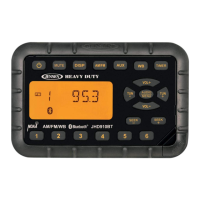
JENSEN
HEAVY DUTY
JENSEN
MUTE
DISP
AM/FM
AUX
WB
TIMER
AM/FM/WB
JHD910BT
AUDIO
MENU
VOL+
VOL-
TUN TUN
+
1
234
5
6
SEEK
SEEK
+
A
U
X
I
N
JHD910BT
Owner’s Manual

Questions and Answers

  • G
    Gregory MillerJul 29, 2025
    How to troubleshoot a Jensen Marine Audio system with no power?
    • K
      Kevin AlvarezJul 29, 2025
      If your Jensen Marine Audio system has no power, there are a couple of things to check: * First, ensure that your vehicle's ignition switch is turned to either the 'ACC' position if the engine isn't running, or the 'On' position. * Second, inspect the 3A fuse and replace it if it's blown.
  • C
    christinahaleAug 3, 2025
    What to do if my Jensen Marine Audio has no reception?
    • C
      Christina GomezAug 3, 2025
      If you're experiencing no reception on your Jensen Marine Audio system, try the following: * Make sure the volume isn't turned down too low. Adjust it until you can hear sound. * Check all wiring connections to ensure they are properly connected.
  • W
    William PearsonAug 7, 2025
    Why does my Jensen Marine Audio radio not work?
    • K
      Kenneth MarksAug 7, 2025
      If the radio on your Jensen Marine Audio isn't working, make sure the antenna cable is firmly inserted.
  • R
    Rachel LeblancAug 11, 2025
    How to adjust the preset volume on my Jensen Marine Audio?
    • S
      Samantha SpencerAug 12, 2025
      If the volume on your Jensen Marine Audio is too high or low when you turn on the radio, the preset volume might be set incorrectly. Adjust the preset volume to your desired level using the Menu adjustment.
  • A
    allenphillipsAug 15, 2025
    What to do if the LCD display on my Jensen Marine Audio is dark?
    • A
      anna09Aug 15, 2025
      If the LCD display on your Jensen Marine Audio is dark and difficult to read, it could be that the radio is too hot. Turn the radio off and allow it to cool down.
  • H
    Helen EspinozaAug 19, 2025
    Why is the Weather Alert not working on my Jensen Marine Audio?
    • R
      Raymond BrownAug 19, 2025
      If the Weather Alert function on your Jensen Marine Audio isn't working, check if Weather Alert is programmed to “off”. If so, set Weather Alert to “on” in the setup menu.
  • J
    Julie ScottAug 25, 2025
    How to enable the WB function on my Jensen Marine Audio?
    • J
      Joseph ValenzuelaAug 25, 2025
      If there is no WB function on your Jensen Marine Audio, it might be because the region is programmed to “European”. Set the Region to “USA” in the setup menu.

Summary

Installation

Mounting the Bracket

Two options are provided for mounting the bracket to ensure an ideal mounting option.

Attaching the Radio

Fasten the bracket to the back of the radio using four included M4 machine screws.

Wiring

Basic Operation

Power

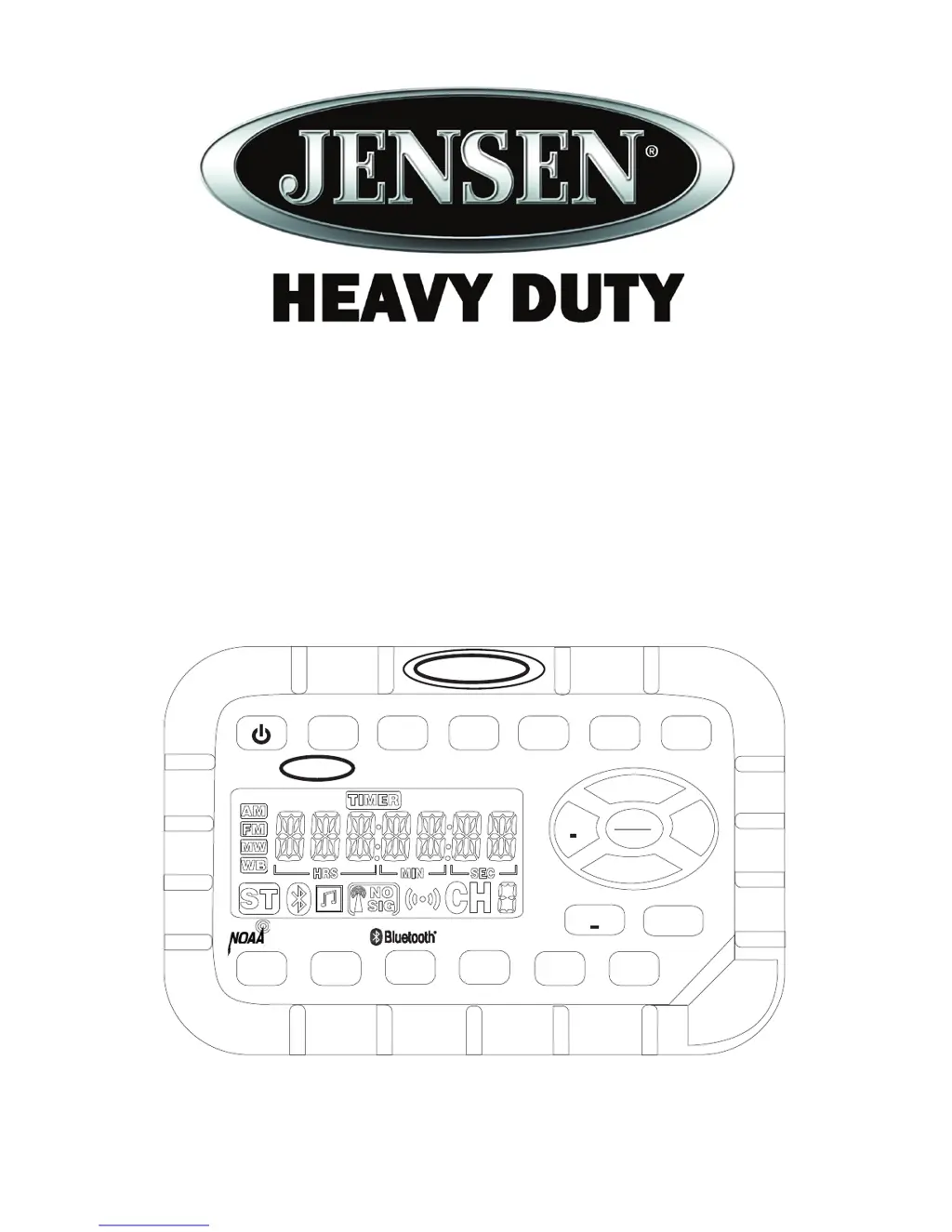
Turn the unit on or off; also used to access software version number.

Mute

Silence the audio output in tuner, weather band, or auxiliary input mode.

Display

Toggle the LCD display between function mode and clock mode.

Liquid Crystal Display

Displays frequency, time, and activated functions on the LCD panel.

Auxiliary Input Function

Connect portable audio devices using the 1/8" auxiliary input jack.

Timer

Access and operate the timer function.

Volume

Adjust the audio volume up or down.

Setting the Clock

Set the current time to be displayed on the clock.

Audio Adjustment

Adjust Bass, Treble, and Balance for audio output.

Menu Adjustment

Access and adjust various system settings and features.

Tuner Operation

Select a Band

Switch between AM/AM2 and FM/FM1/FM2/FM3 bands.

Manual Tuning

Tune the frequency one step higher or lower, or tune continuously.

Seek Tuning

Automatically tune to the next strong station.

Preset Stations

Store and recall stations for AM and FM bands using numbered buttons.

Bluetooth Operation

About Bluetooth Technology

Overview of Bluetooth wireless radio connectivity technology.

Pairing a Bluetooth Device

Steps to connect a Bluetooth device to the JHD910BT.

Selecting a Paired Bluetooth Device

How to choose a previously paired Bluetooth device.

Weather Band Operation

Accessing the Weather Band

How to switch to and use the weather band mode.

NOAA Weather Alert

Enables automatic switching to weather band during alerts.

Troubleshooting

Specifications

Jensen Heavy Duty JHD910BT Specifications

General IconGeneral
ModelJHD910BT
BluetoothYes
USB PortYes
Aux InputYes
Water ResistantYes
Waterproof RatingIPX6
AM/FM RadioYes
SourceBluetooth, USB, Aux, AM/FM
USB InputYes
Display TypeLCD
Wiring HarnessIncluded
Preamp OutputsYes
Maximum Power Output200W
DisplayYes

Related product manuals