EasyManua.ls Logo

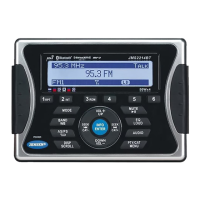
Jensen MS40BT - User Manual

Jensen MS40BT
19 pages
Print Icon
To Next Page IconTo Next Page
Loading...
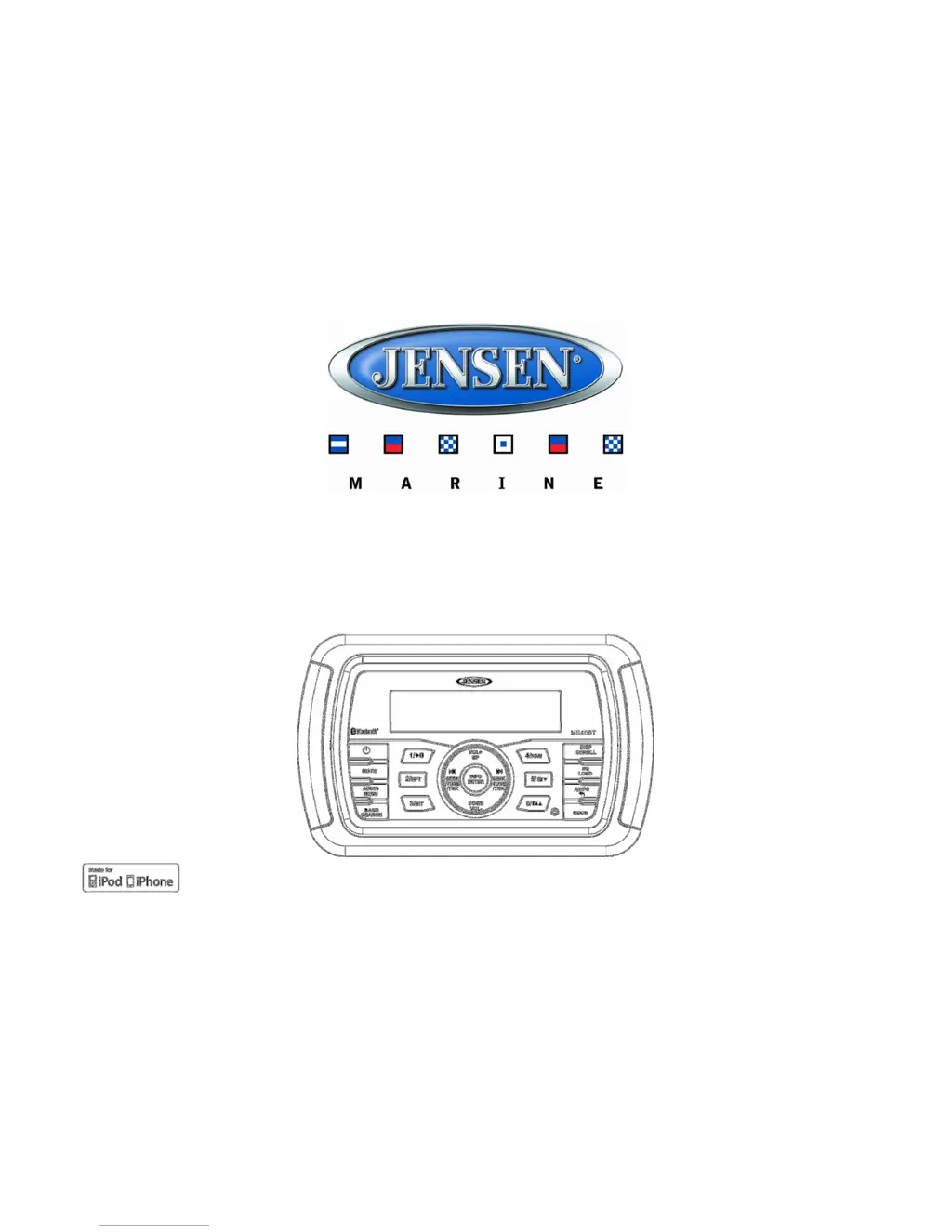
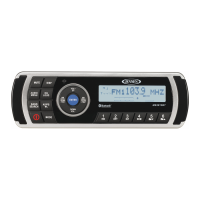
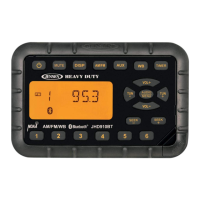
MS40BT
HEAVY DUTY AUDIO SYSTEM
Installation and Operation Manual
iPhone, iPod, iPod Classic, iPod Nano, iPod Shuffle, and iPod Touch are trademarks
of Apple Inc., registered in the U.S. and other countries.

Questions and Answers

  • C
    Christopher RodriguezAug 11, 2025
    Why is there no sound coming from my Jensen MS40BT?
    • L
      Luis EspinozaAug 11, 2025
      If you're not getting any sound from your Jensen Marine Audio, here's what to check: * Ensure the volume isn't too low; adjust it to a level you can hear. * Verify that all wiring connections are properly connected.
  • K
    Kyle ReidAug 19, 2025
    How to fix Jensen MS40BT Marine Audio when it cannot tune to radio station and auto-seek does not work?
    • R
      Robert JacksonAug 19, 2025
      If your Jensen Marine Audio cannot tune to a radio station or the auto-seek function isn't working, consider these potential solutions: * Make sure the antenna cable is firmly inserted. * If the signals are too weak, select a station manually.
  • J
    Jim LopezAug 27, 2025
    What to do if my Jensen MS40BT has no power?
    • J
      John TapiaAug 27, 2025
      If your Jensen Marine Audio system isn't powering on, there are a couple of things to check: * First, make sure the vessel’s accessory switch is turned on. If the power supply is properly connected to the vessel’s accessory terminal, switch the ignition key to “ACC”. * Second, inspect the fuse and replace it if it's blown.
  • E
    Erica SextonSep 3, 2025
    What to do if the operation keys on my Jensen MS40BT do not work?
    • J
      John LamSep 3, 2025
      If the operation keys on your Jensen Marine Audio aren't working, it might be due to the built-in microprocessor not operating properly because of noise. Try pressing the reset button (19).

Jensen MS40BT Specifications

General IconGeneral
TunerAM/FM
WeatherproofYes
BluetoothYes
USB InputYes
Auxiliary InputYes
Display TypeLCD
Water ResistantYes
Waterproof RatingIPX6
TypeMarine Stereo
Preamp Outputs2-channel

Related product manuals