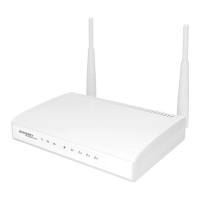
How do i change password for the wireless network?
Your Jensen router is as standard delivered with a unique password which applies for both the 2.4GHz
and 5GHz network. (only dual-band router have both 2.4 and 5GHz)
Follow the below steps if you want to change the password.
1. Log into the router menu by entering http://192.168.38.1 in a browser window.
- Username = admin
- Password = 1234
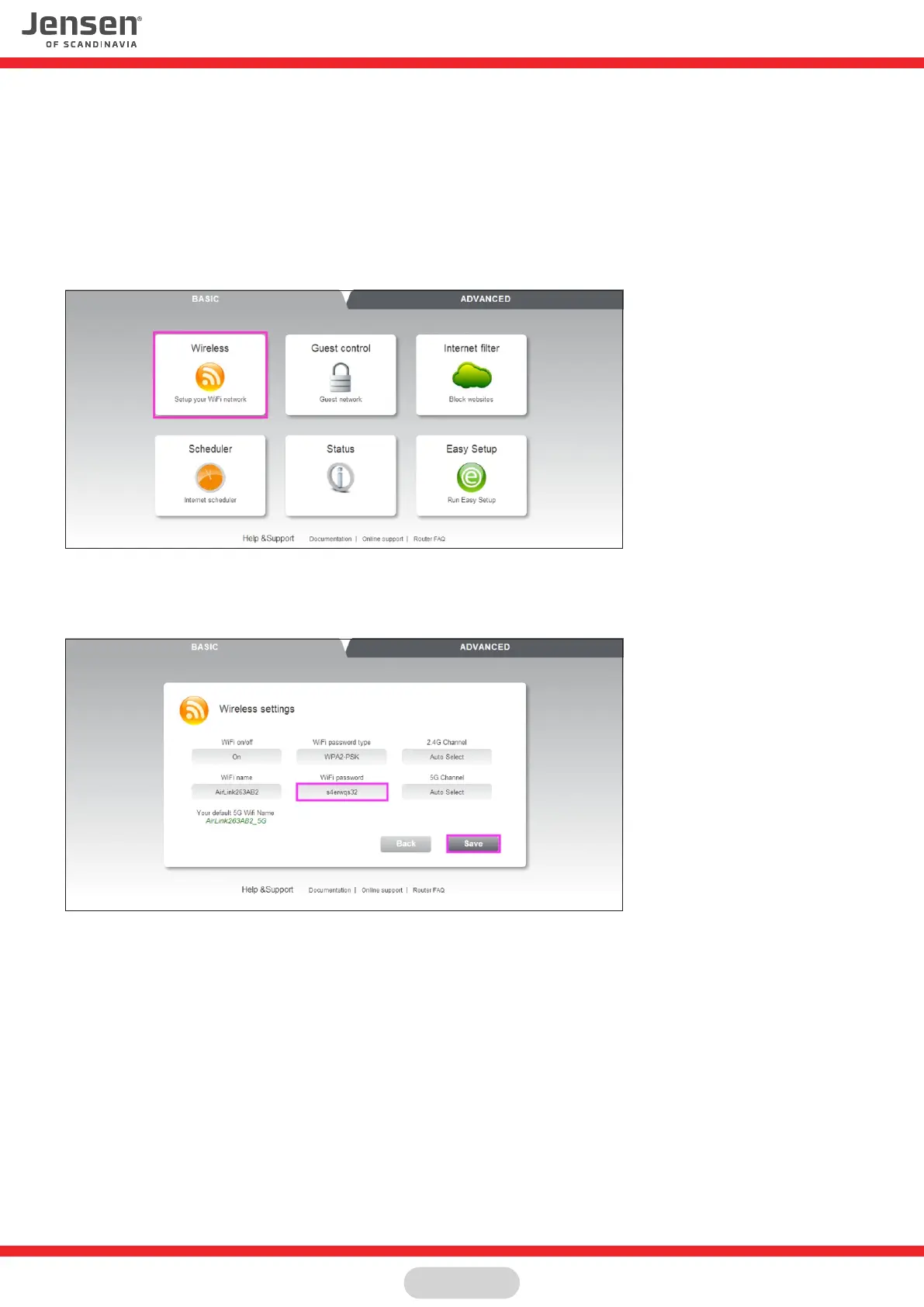
2.Click on Wireless
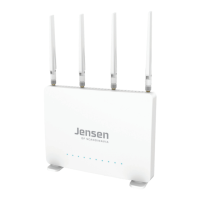
3. In the menu WIFI password, type in what password you wish to have for the 2,4GHz and then the 5GHz network
4. Click Save to apply the changes.
Page 18



 To Next Page