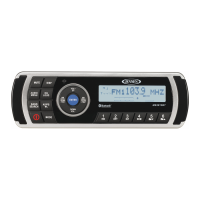
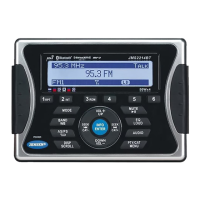
MSR2107
12
Checking Available Free Memory
USB Device Memory
During USB mode playing status, press the MENU button (3) and select "ROM" option, press
VOLUME +/- button to select between "FREE USB" and "FREE Flash", and then press the
MODE/SEL button (4) to see the amount of free USB memory.
FLASH Memory
During FLASH mode playing status, press the AUDIO/MENU button (3) and select the "ROM"
option, press VOLUME +/- button to select "FREE USB" and "FREE Flash", and then press the
MODE/SEL button (4) to see the amount of free FLASH memory.


 To Next Page