27
VM9214
Direct Tuning
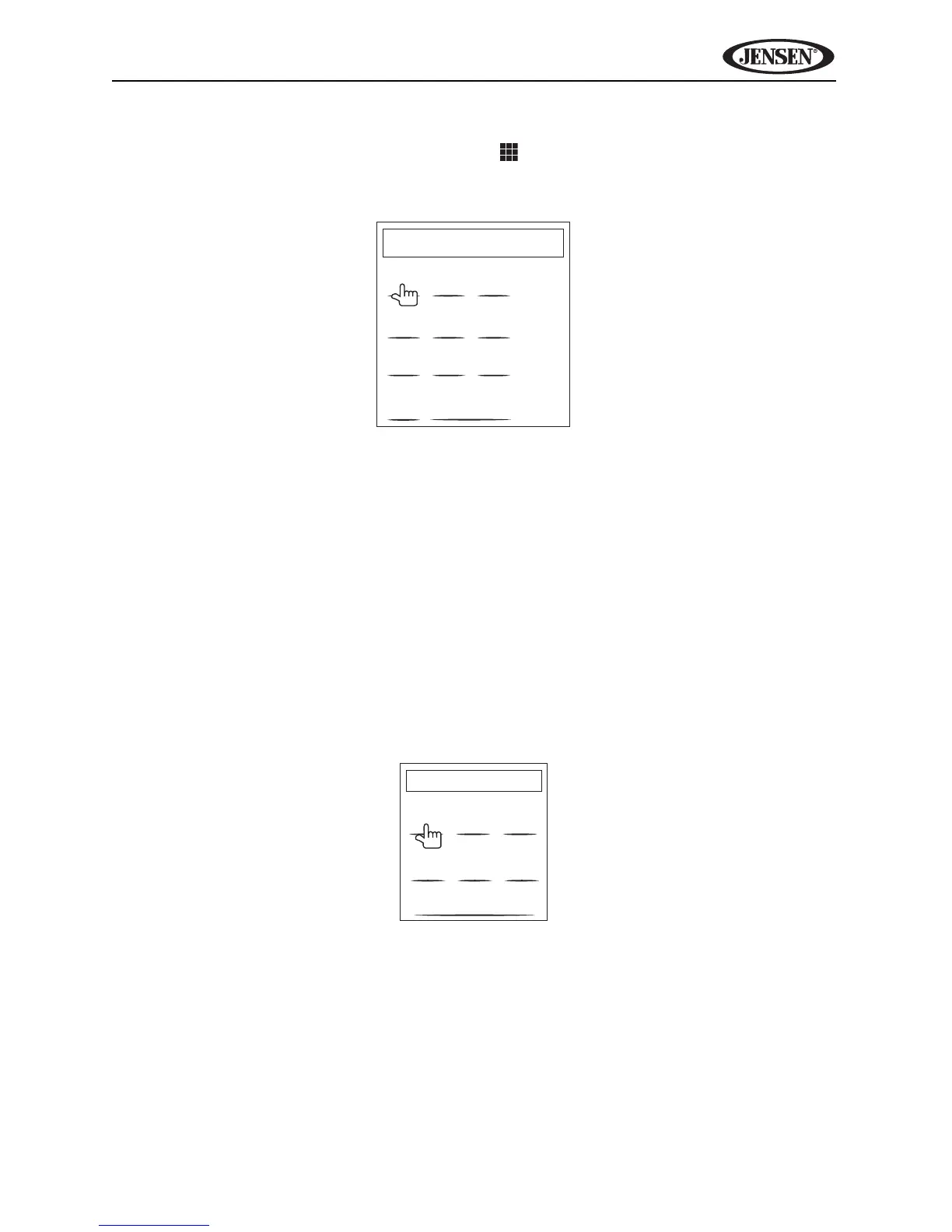
To enter a radio station directly, touch the button or press the GOTO button
(21) on the remote control to display the direct entry menu.
Enter the desired radio station using the on-screen number pad. Press the
Enter button to tune to the selected station. To exit the screen without
changing the station, touch Exit. To clear your entry and start over, touch
Clear.
Using Preset Stations
Six numbered preset buttons store and recall stations for each band. All six
stored stations (P1-P6) for the current band appear on the screen.
Storing a Station
1. Select a band (if needed), then select a station.
2. Touch the on-screen MEM button (18) to open the preset screen.
3. Touch the preset number in which you would like to store the current
station (or touch Exit to cancel and close the menu). The preset number
and station appears highlighted.
Recalling a Station
1. Select a band (if needed).
FM:___._MHz
1
2
3
4
5
6
7
8
9
0
Clear
Exit
Enter
Preset: _
Exit
P1
P2
P3
P4
P5
P6















 To Next Page