22
VM9224
Controlling Playback
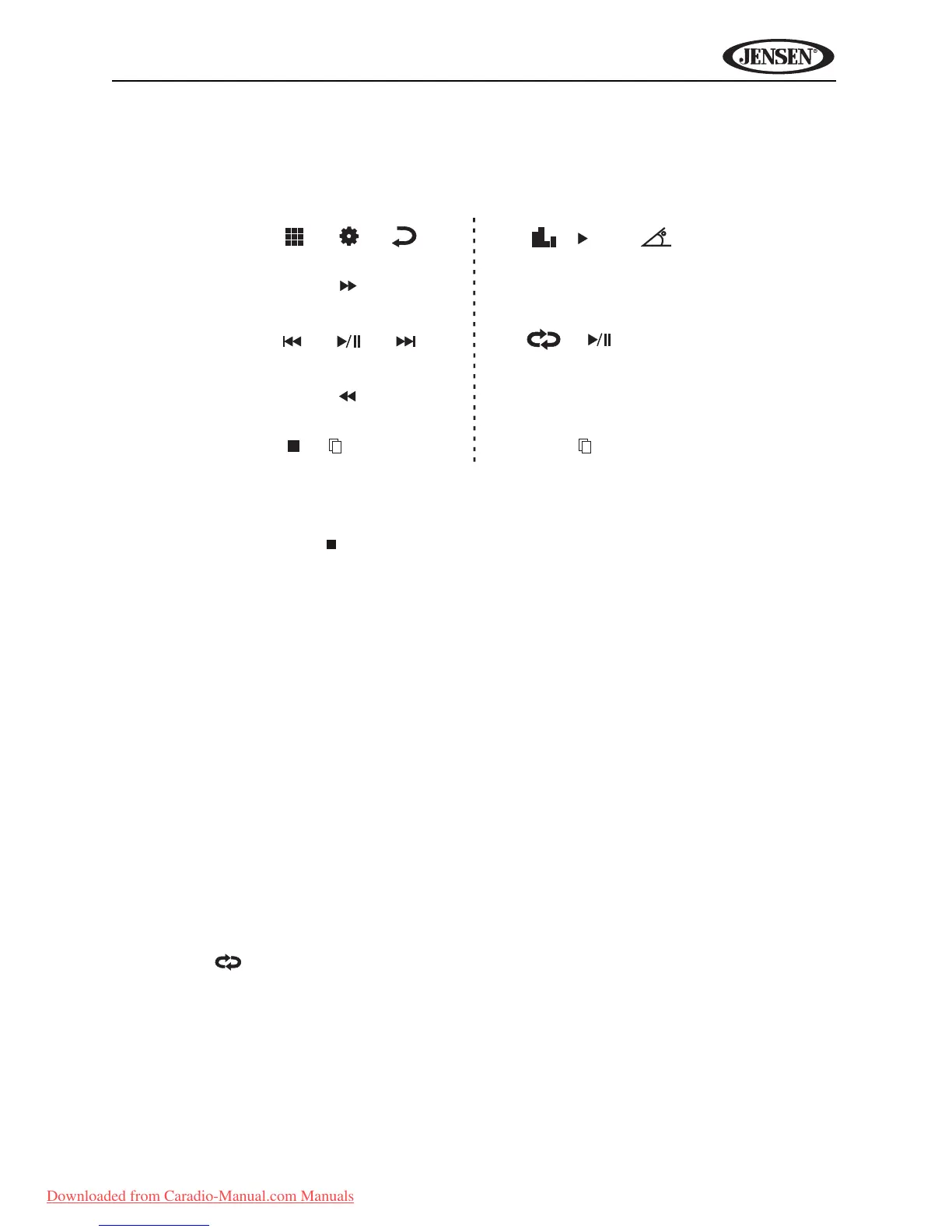
To access the on-screen controls, touch the bottom 1/3 of the screen while a
DVD is playing. Touch the 1/2 button to view a second page of controls
Stopping Playback
Touch the stop button ( ) on the screen to stop DVD play.
Pausing Playback
Touch the play/pause button (>) on the screen to suspend or resume
disc play.
Slow Motion Playback
Touch the << button on the screen to play the current title in slow motion.
Keep pressing and releasing the button to increase the rate
from “x2” to “x4”, “x8”, and “x20”.
Touch the on-screen play button (>) to resume normal play.
Fast Forward Playback
Touch the >> button on the screen to fast forward.
Keep pressing and releasing the button to increase the rate
from “x2” to “x4”, “x8”, and “x20”.
Touch the on-screen play button (>) to resume normal play.
Repeat Playback
Touch the button on screen to alter repeat mode according to the
following:
• DVD: Repeat Chapter, Repeat TItle, Repeat Off
• VCD (PBC Off): Repeat Single, Repeat Off
1/2
MENU
2/2
DISP
AUDIO
A-B
TITLE
SUB-
TITLE
1/2
Downloaded from Caradio-Manual.com Manuals















 To Next Page